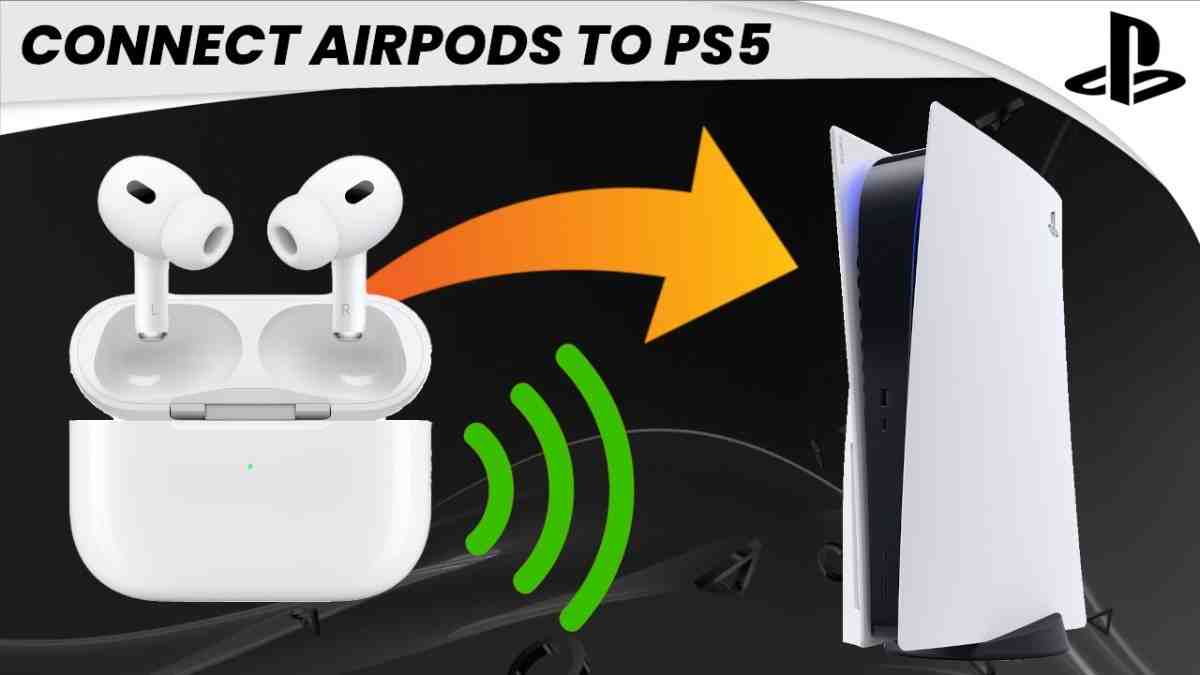
Can you connect AirPods to a PS5 gaming console?
🎯 Direct Answer
No, you cannot connect AirPods directly to PS5, but YES, you can use them with a Bluetooth 5.0+ USB adapter. Sony blocks standard Bluetooth audio devices to prioritize low-latency gaming performance, requiring a $25-40 adapter like Avantree Leaf or UGREEN. Note: AirPods' microphone won't work for voice chat, and expect 40-150ms audio latency depending on adapter quality.
📱 Quick Answer for Everyone
The PS5 doesn't support AirPods natively because Sony restricts standard Bluetooth audio connections. To use your AirPods, you'll need to purchase a Bluetooth 5.0+ USB adapter that plugs into your PS5's USB port. Popular options include the Avantree Leaf ($39), UGREEN adapter ($29), and Creative BT-W3 ($35). Simply plug in the adapter, put your AirPods in pairing mode, sync them with the adapter, and select "USB Headset" in your PS5 sound settings. While you'll get game audio, the AirPods microphone typically won't function for party chat, so you'll need an alternative mic solution for online multiplayer communication.
✨ Key Points:
- Direct Bluetooth connection is impossible due to Sony's firmware restrictions
- USB Bluetooth adapter is the most reliable solution at $25-40
- AirPods microphone won't work for in-game voice chat
- No support for PS5's 3D Audio feature with AirPods
- Alternative: Connect AirPods to your TV's Bluetooth if supported
💰 Budget-Conscious Solution
If you want to avoid spending $25-40 on a Bluetooth adapter, there's a free workaround if your smart TV has built-in Bluetooth. Navigate to your TV's settings menu, locate the Bluetooth or audio section, and pair your AirPods directly to the television. Then, on your PS5, go to Settings > Sound > Audio Output and select "TV" or "HDMI Device" as your output. This routes all PS5 audio through your TV to your AirPods without additional hardware. The downside? You'll still experience 100-150ms latency (slightly higher than dedicated adapters), and microphone functionality remains unavailable. This method works best for single-player story-driven games where precise audio timing isn't critical. For competitive multiplayer gaming, investing in a proper adapter or dedicated gaming headset becomes worthwhile.
Budget Comparison:
- TV Bluetooth Method: $0 (if TV supports it)
- Budget USB Adapter: $19-25 (Amazon basics)
- Quality aptX Adapter: $30-40 (Avantree, Creative)
- Dedicated PS5 Headset: $99+ (Sony Pulse 3D, SteelSeries)
🎮 Competitive Gaming Perspective
For serious competitive gaming, AirPods on PS5 are not recommended even with a quality adapter. Here's why: Standard Bluetooth introduces 40-150ms audio latency, meaning you'll hear gunshots, footsteps, and directional cues noticeably behind the actual game action. In competitive shooters like Call of Duty, Apex Legends, or Valorant, this delay puts you at a significant disadvantage. Additionally, AirPods lack support for PS5's Tempest 3D AudioTech, which provides crucial spatial awareness for competitive play. The microphone limitation means you'll need a separate solution for team communication. Pro gamers universally recommend dedicated wireless gaming headsets like Sony Pulse 3D ($99), SteelSeries Arctis Nova Pro ($349), or Audeze Maxwell ($299) that use proprietary 2.4GHz wireless technology with sub-20ms latency, full 3D audio support, and high-quality microphones.
Latency Comparison:
- AirPods via Adapter: 40-150ms latency
- Dedicated 2.4GHz Wireless: 15-30ms latency
- Wired Connection: 0-5ms latency (best for competitive)
- Official PS5 Pulse 3D: ~25ms with full 3D audio support
🛋️ Casual Gaming Setup
For casual single-player gaming sessions where you want wireless freedom without disturbing others, AirPods with a PS5 Bluetooth adapter work perfectly fine. Story-driven games like Spider-Man 2, Horizon Forbidden West, or God of War don't require split-second audio precision, making the 50-100ms latency barely noticeable. The convenience of using your existing AirPods means you don't clutter your space with another gaming peripheral. Setup takes under 5 minutes: plug the USB adapter into your PS5, press the sync button on the adapter, hold the pairing button on your AirPods case, wait for connection confirmation, then select "USB Headset" in PS5 audio settings. For couch gaming while others watch TV, this solution provides excellent audio isolation. Just remember you'll need to use your phone or a separate USB mic for any multiplayer voice chat needs.
Best Casual Use Cases:
- Late-night gaming sessions without disturbing household members
- Story-driven single-player experiences (RPGs, action-adventure)
- Streaming media apps on PS5 (Netflix, Disney+, YouTube)
- Gaming while someone else uses the TV for other activities
- Reducing cable clutter in your living room entertainment setup
🔧 Technical Deep-Dive
Sony's decision to block standard Bluetooth audio on PS5 stems from bandwidth and latency prioritization. The PS5's Bluetooth 5.1 chip reserves its bandwidth exclusively for DualSense controllers and officially licensed audio peripherals that use proprietary low-latency codecs. Standard Bluetooth audio profiles (A2DP) typically introduce 100-200ms latency, which Sony deems unacceptable for gaming. AirPods specifically use AAC codec over Bluetooth, which prioritizes audio quality over latency. When you use a USB Bluetooth adapter, you're bypassing Sony's restriction by converting USB audio output to Bluetooth transmission. The PS5 treats the adapter as a "USB Audio Device" (similar to a wired headset), then the adapter handles Bluetooth conversion. Quality adapters supporting aptX Low Latency or aptX Adaptive codecs can reduce latency to 40-60ms, but AirPods don't support these codecs—they're locked to AAC, resulting in 80-150ms delay. The microphone limitation exists because most adapters only support unidirectional audio (PS5→headphones) or use HSP/HFP Bluetooth profiles that significantly degrade audio quality when bidirectional communication is enabled.
AirPods Codec: AAC (Advanced Audio Coding)
Required Adapter: Bluetooth 5.0+ USB-A or USB-C transmitter
Optimal Codecs: aptX Low Latency (not supported by AirPods)
Workaround Latency: 80-150ms with AAC over standard adapters
Why Sony Blocks Bluetooth Audio:
- Latency Control: Standard Bluetooth introduces unacceptable 100-200ms delay
- Bandwidth Reservation: Prioritize DualSense controller responsiveness
- Quality Assurance: Ensure consistent audio experience with licensed peripherals
- 3D Audio Optimization: Tempest Engine requires specific audio pipeline
- Licensing Revenue: Drive sales of official PlayStation audio accessories