Table of Contents
Why won’t my AirPods connect, and how do I reconnect them?
Human-verified, model-aware troubleshooting that matches Apple’s official connection flow and reset signals. (See Apple’s checklist: AirPods won’t connect.)
Direct Answer (Voice-friendly)
If your AirPods won’t connect, charge both buds, turn Bluetooth on, select them from the AirPlay/audio output picker, then re‑pair: close the case 15 seconds and put them in pairing mode; reset if needed. Apple’s official steps.
Charge both AirPods + case. Confirm both buds show charging behavior (one dead bud often blocks pairing).
Apple explicitly starts with verifying both are charging.Confirm Bluetooth is ON and keep the device close (within arm’s reach).
Apple: verify Bluetooth in Settings.Select AirPods as the audio output in Control Center / AirPlay (fixes “connected but silent”).
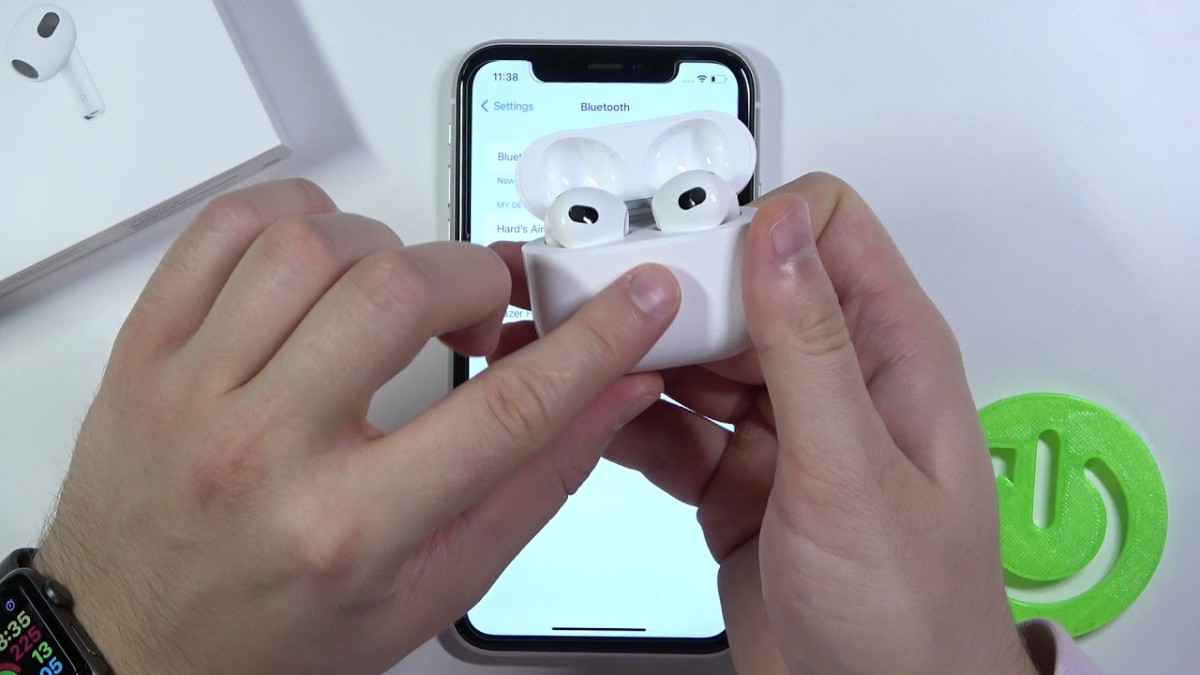
Apple: choose AirPods in the list and test audio.Re‑pair: close lid 15 seconds, open, enter pairing mode, then follow on-screen steps.
Apple: close lid 15 seconds, then pairing-mode steps.Reset only if needed: watch for the status light flashing amber then white to confirm reset success.
Apple: amber → white indicates reset completion.
Context Tabs (Pick your device)
Start with the fastest fixes: charge both buds, confirm Bluetooth, then select AirPods as the audio output (AirPlay/output picker). If they appear but won’t connect, re‑pair; reset only after re‑pair fails. See Apple’s official connection flow and TechOzea’s walkthrough: How to connect AirPods.
On iPhone/iPad, don’t skip the output picker: open Control Center and choose AirPods in the AirPlay list, then test audio with volume up. If they still won’t connect, close the lid 15 seconds, open it, enter pairing mode, and follow the on-screen pairing prompt. Official steps: Apple Support.
Android requires manual Bluetooth pairing. Open Bluetooth settings → “Pair new device,” then open your AirPods case and press/hold the back button until the light flashes white and AirPods appear. Google’s official Android instructions: Connect AirPods to Android. Extra help: TechOzea guide.
Reset differs by model. Many models use the back setup button held ~15 seconds until amber then white, while newer AirPods 4 / AirPods Pro 3 use a case double‑tap sequence. Use Apple’s reset instructions for your exact model: How to reset AirPods. For a plain-language reset walkthrough: How to reset AirPods (TechOzea).