




Key Takeaways
- Googlebook laptops start at $899: Google’s new premium laptop category targets U.S. buyers with Gemini AI, Android integration, and hardware from Acer, Asus, Dell, HP, and Lenovo.
- Check the processor before buying: Snapdragon X Elite models may offer strong battery efficiency and AI performance, while Intel models may provide broader compatibility for some software and peripherals.
- Wait for independent testing: Google’s battery, AI, and performance claims need real-world testing. Buyers should compare app compatibility, battery life, display quality, and long-term software support before purchasing.
Google has opened pre-orders for a new laptop category called Googlebook, with prices starting at $899 in the United States. The company is positioning these devices as premium AI laptops built around Gemini, Android integration, and a more connected desktop experience.
The new category arrives at a useful time for Google. Chromebooks have built a strong reputation for simple software, easy management, and affordable pricing. However, many consumers still see them as secondary devices rather than full alternatives to Windows laptops or MacBooks.
Googlebook appears designed to change that perception.
The first devices come from Acer, Asus, Dell, HP, and Lenovo. Qualcomm has also confirmed Snapdragon X Elite models from Dell and HP, while other systems use Intel processors. Reported prices range from $899 to $1,299, with U.S. retail availability expected from October 4, 2026.
The important question is not whether Google can launch another laptop. It can. The bigger question is whether Googlebook can create a premium Android laptop ecosystem that feels as seamless as Apple’s MacBook and iPhone experience.
Table of Contents
- What is Googlebook?
- Googlebook price and release date
- How Googlebook differs from Chromebook
- Gemini AI features explained
- Android phone and laptop integration
- Snapdragon X Elite versus Intel models
- Googlebook versus MacBook and Windows laptops
- Who should buy Googlebook?
- Who should avoid it?
- Battery life, software support, and compatibility
- What existing laptop owners should know
- What to watch after launch
- Conclusion
- FAQ
What is Googlebook?
Googlebook is a new laptop category built around Google’s software ecosystem. It combines ChromeOS, Android compatibility, Gemini AI features, and higher-end hardware than many traditional Chromebooks.
Google is not describing Googlebook as a replacement for every Chromebook. Instead, it is positioning the platform above standard ChromeOS models and closer to premium Windows laptops and MacBooks. Reuters and Axios describe the devices as part of Google’s effort to create a stronger connection between Android phones and laptops.
The category will include products from several manufacturers rather than one Google-designed laptop. Acer, Asus, Dell, HP, and Lenovo are among the launch partners.
That approach gives Google broader market coverage, but it also creates a challenge: each manufacturer may deliver a different screen, keyboard, webcam, battery, and thermal design.
Googlebook is therefore a platform, not a single laptop.
That difference matters. A MacBook buyer generally understands the hardware range because Apple controls the full product line. A Googlebook buyer will need to compare individual models more carefully.
Googlebook price and release date
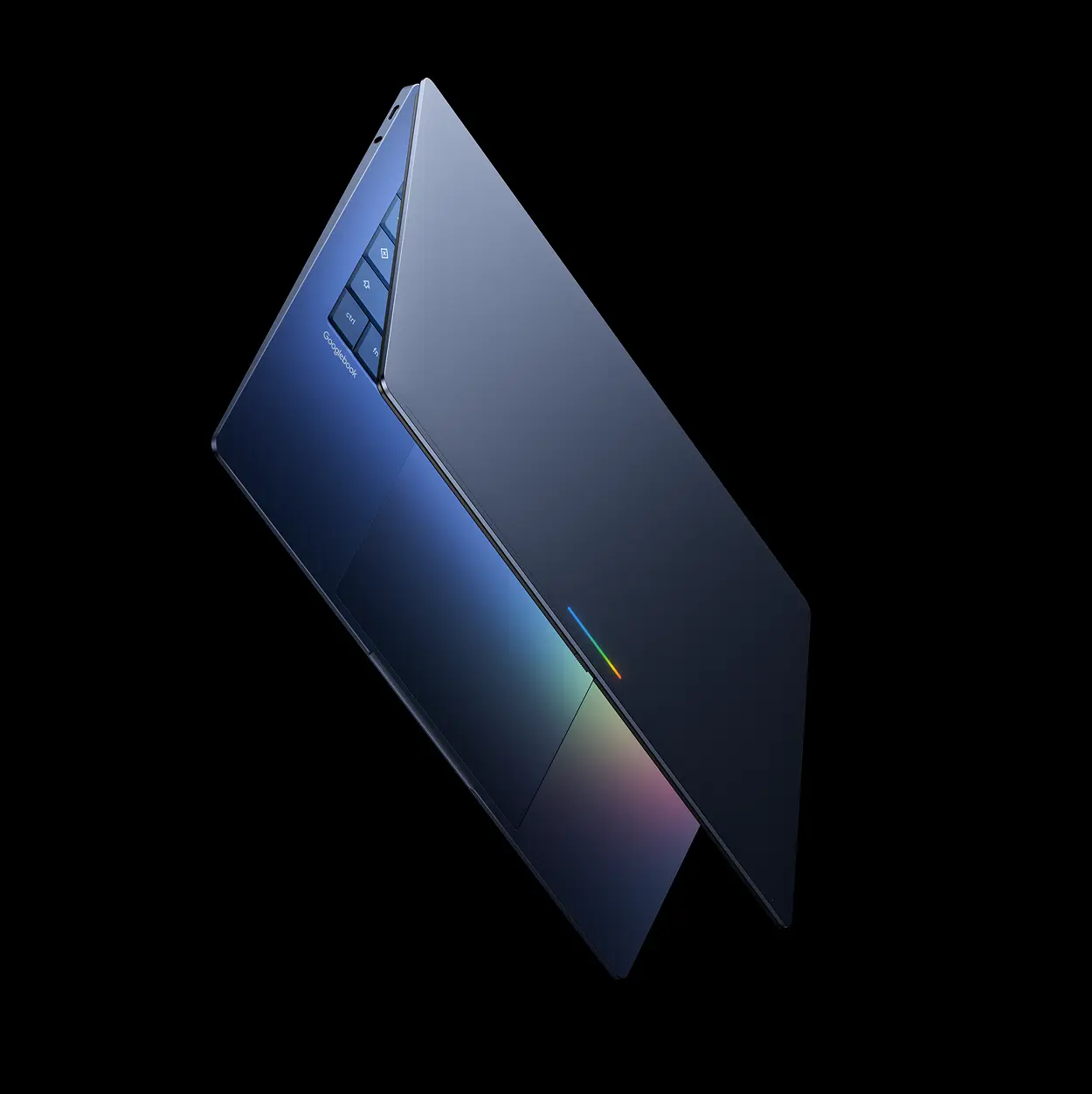
Googlebook pre-orders opened at a starting price of $899. According to Google’s official announcement, the first Googlebook devices start at $899 and include premium materials, high-resolution displays, Intel and Qualcomm processors, and dedicated NPUs.
That price places Googlebook in a very different position from budget Chromebooks.
Many standard Chromebooks target students, families, schools, and users who mainly need a browser. Googlebook instead targets users who may want a better display, a stronger processor, better materials, more local applications, and more advanced AI tools.
The $899 starting price also creates direct competition.
At that level, shoppers can consider Windows laptops with modern Intel or AMD processors. They can also find discounted MacBook models, depending on seasonal sales and configuration. Googlebook will need to offer a clear advantage rather than relying only on the Google name.
The launch pricing may include additional services. Tom’s Guide reports that Googlebook models include a 12-month Google AI Pro subscription, 5TB of cloud storage, and selected services. Those bundles can improve first-year value, but buyers should also consider what those services cost after the promotional period.
How Googlebook differs from Chromebook
The difference between Googlebook and Chromebook is partly about hardware and partly about positioning.
Traditional Chromebooks are built around ChromeOS. They emphasize web applications, simple setup, automatic updates, and low maintenance. Many models use inexpensive processors, limited storage, modest displays, and fanless designs.
Googlebook aims higher.
The new devices are expected to offer premium materials, touchscreens, stronger processors, more capable displays, Android applications, Linux tools, and deeper Gemini integration. Tom’s Guide reports that the launch range includes five laptops with different designs and prices.
That does not mean every Googlebook will be powerful enough for professional video editing or serious 3D work.
The platform still depends on the hardware selected by each manufacturer. A Googlebook with a low-power processor and small memory configuration will behave differently from one with Snapdragon X Elite or a higher-end Intel chip.
The main difference is that Google wants buyers to think of these systems as full laptops instead of browser terminals.
That may help Google attract Android users who currently choose Windows because they need more flexibility than a conventional Chromebook provides.
Gemini AI features explained
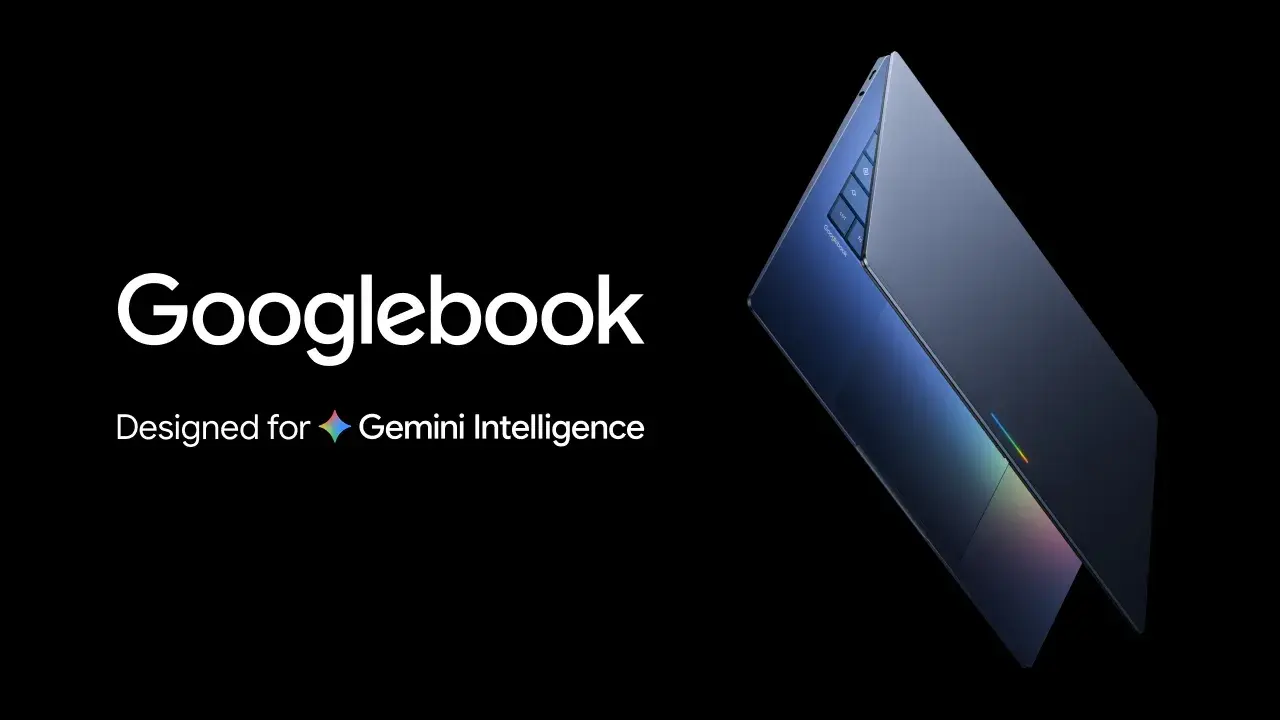
Gemini is central to the Googlebook strategy.
Reports describe features that can assist with writing, organization, screen-related questions, and task continuity. The goal is to make the laptop more proactive and more aware of what the user is doing.
Some of these tools may work through cloud services. Others may use local hardware, especially on Snapdragon models with integrated NPUs. Qualcomm describes Snapdragon X Elite Googlebook systems as supporting NPU-powered tools and proactive intelligence.
Consumers should separate the idea of AI integration from actual automation.
An assistant that helps summarize a document is different from one that reliably books travel, changes files, or completes work without mistakes. Gemini may become useful for drafting, search, and organization, but users still need to review important outputs.
Privacy also matters.
If Googlebook features analyze screen content, files, calendar information, or phone activity, consumers should understand which functions operate locally and which send information to cloud services. The privacy policy and permission system may matter as much as the hardware.
Android phone and laptop integration
This is likely Googlebook’s main selling point.
Google wants Android phone owners to move between their mobile and desktop devices more easily. Reports describe features such as direct access to phone files, app continuity, phone app streaming, and task transfer.
In theory, this can reduce friction.
A user could begin writing on a phone, continue on the laptop, access recent photos, and respond to messages without repeatedly transferring files. That is the same general idea that makes Apple’s device ecosystem attractive.
The difference is that Googlebook must work across many phone brands.
Android is more open than Apple’s platform, but that openness can produce inconsistency. A Google Pixel phone may provide a different experience from a Samsung Galaxy or another Android device.
Users should therefore verify which integration features require specific Android versions, Google services, or manufacturer software.
Snapdragon X Elite versus Intel models
Googlebook will not use one processor platform.
Qualcomm has confirmed Snapdragon X Elite models from Dell and HP. The company highlights energy efficiency, long battery life, AI processing, and support for native Android applications.
Other Googlebook systems use Intel processors. Google says the launch lineup includes both Intel Core Ultra and Snapdragon X Elite configurations.
That creates a familiar consumer choice. Snapdragon-based models may prioritize battery life, low heat, and quiet operation. Intel-based systems may provide broader compatibility for certain desktop applications, peripherals, enterprise tools, and legacy software.
The correct choice depends on workload.
Users who mainly browse, write, stream video, use office applications, and work in web-based tools may benefit from either platform. Users who depend on specialized software should confirm compatibility before choosing an Arm-based model.
The same rule applies to games and accessories.
Cloud gaming and Android gaming may work well. Native Windows game libraries, older utilities, and professional applications may require more careful checking.
Googlebook versus MacBook and Windows laptops
Googlebook’s closest competition will come from two directions.
The first is Apple’s MacBook. Apple controls the operating system, hardware, silicon, and ecosystem. Its latest MacBook Pro models with M5 Pro and M5 Max include Neural Accelerators, Wi-Fi 7, Thunderbolt 5, and up to 24 hours of battery life according to Apple.
The second is Windows.
Windows laptops offer broad software support, a large selection of hardware, and strong compatibility with business and creative tools. Buyers can choose from Intel, AMD, Qualcomm, NVIDIA, different screen sizes, and different price levels.
Googlebook’s advantage is not likely to be raw performance.
Instead, Google is selling simplicity, Android continuity, Gemini features, and a more integrated experience. That may appeal to consumers who spend much of their time in Google services and Android applications.
However, the ecosystem advantage will only matter if the software feels reliable.
A laptop that connects quickly to a phone but struggles with app scaling or offline work will not compete effectively with mature Windows and MacBook products.
Who should buy Googlebook?
Googlebook may make sense for several groups.
Android phone users
People who already use Google services and Android devices may value the cross-device features more than buyers starting from scratch.
Students and remote workers
If a Googlebook provides a strong keyboard, good webcam, long battery life, and reliable office software, it could suit students and remote workers who want a cleaner experience than a budget Chromebook.
Web-first users
People who use browser tools, cloud storage, online collaboration, and Android applications may not need the broad Windows software library.
Buyers who want simple maintenance
ChromeOS has traditionally offered straightforward updates and strong security. Googlebook may appeal to users who prefer fewer system-management decisions.
Who should avoid it?
Googlebook may not be the best choice for everyone.
Users who need specialized Windows software
Professional applications, older enterprise tools, engineering packages, and certain creative tools may not behave the same way outside Windows.
Heavy gamers
Googlebook may support Android titles and cloud gaming, but it is not automatically a substitute for a gaming laptop with a discrete GPU.
Buyers who want maximum hardware choice
Windows offers more control over ports, upgradeability, memory, storage, cooling, and graphics performance.
People who dislike subscription-linked features
Some Googlebook value may depend on bundled Google services. Buyers should calculate the long-term cost after the first year.
Battery life, software support, and compatibility
Googlebook’s battery-life story is promising but not yet proven.
Reports describe up to 14 hours on some models. That is an advertised maximum, not a universal result. Real battery life depends on display brightness, processor, web activity, video playback, wireless use, background tasks, and AI features.
Snapdragon models may have an efficiency advantage, but independent testing will show whether that advantage survives real workloads.
Software support also deserves careful attention.
Tom’s Guide reports that Googlebook devices may receive up to ten years of updates. Consumers should wait for Google’s official model-by-model support terms before treating that as universal.
Compatibility is another major question.
Android applications can offer valuable flexibility, but large-screen behavior varies by app. Some apps may scale well. Others may feel like stretched phone software.
Linux support could help developers and technical users, but the experience may not match a full Linux laptop installation.
What existing laptop owners should know
Owners of recent Windows laptops or MacBooks do not need to upgrade simply because Googlebook exists.
The new category matters more for consumers who are already considering a laptop purchase or who want a different relationship between their phone and computer.
Existing Chromebook owners may see a larger reason to upgrade if they need more performance, better displays, or more advanced AI tools. However, the value will depend on the exact model.
Windows users should compare application support and hardware quality before switching.
MacBook users should ask whether Android integration is enough to justify moving away from Apple’s ecosystem. For many users, the answer will depend on the phone they already own.
What to watch after launch
The first independent reviews should answer the most important questions:
- How long do the batteries last in real use?
- How well do Android applications scale?
- How fast are the Snapdragon and Intel models?
- Which features work offline?
- How useful is Gemini during everyday work?
- How much phone integration requires a specific Android brand?
- How good are the displays, webcams, keyboards, and trackpads?
- Can users repair or upgrade the hardware?
- What does Google’s long-term update policy actually cover?
Pricing will also matter after launch.
A $899 laptop may look competitive at first, but the total value depends on memory, storage, display quality, warranty coverage, and future subscription costs.
Conclusion
Googlebook is one of the most important laptop-platform launches of 2026 because Google is trying to change the role of ChromeOS.
Instead of focusing mainly on affordable web-first laptops, Google is introducing a premium category aimed at Android users who want stronger hardware, Gemini AI, and a more connected desktop experience.
The starting price is $899, launch partners include Acer, Asus, Dell, HP, and Lenovo, and Snapdragon X Elite will power some models. U.S. availability is expected from October 4, 2026.
The opportunity is clear.
Android users have never had one premium laptop platform that matches the simplicity of Apple’s ecosystem. Googlebook could fill that gap.
The risk is also clear.
Google must deliver a consistent experience across several manufacturers, processors, and app environments. If the hardware is uneven or Android applications remain inconsistent, the platform may feel like an expensive Chromebook rather than a new class of computer.
For now, Googlebook is promising, but independent testing will decide whether it is truly a premium laptop platform or simply a better-branded Chromebook.
FAQS
What is a Googlebook laptop?
Googlebook is a new premium laptop category built around ChromeOS, Android integration, Gemini AI features, and higher-end hardware.
How much do Googlebook laptops cost?
Googlebook laptops start at approximately $899, with reported models reaching about $1,299.
When will Googlebook laptops be available in the U.S.?
Reports indicate U.S. retail availability from October 4, 2026.
Is Googlebook the same as a Chromebook?
No. Googlebook is positioned as a premium category above traditional Chromebooks, with stronger hardware, deeper Android integration, and more advanced AI features.
Which processors will Googlebook laptops use?
Launch coverage identifies both Intel and Qualcomm Snapdragon X Elite configurations.
Will Googlebook run Windows applications?
Not automatically. Users should verify software compatibility for specific applications, especially if they choose an Arm-based Snapdragon model.
Is Googlebook better than a MacBook?
That depends on the user. Googlebook may offer better Android integration, while MacBook provides Apple’s tightly controlled hardware and software ecosystem. Independent testing is needed for performance and battery comparisons.
How long will Googlebook laptops receive updates?
Some reports describe support of up to ten years, but buyers should wait for official model-specific support terms before treating that as universal.
