




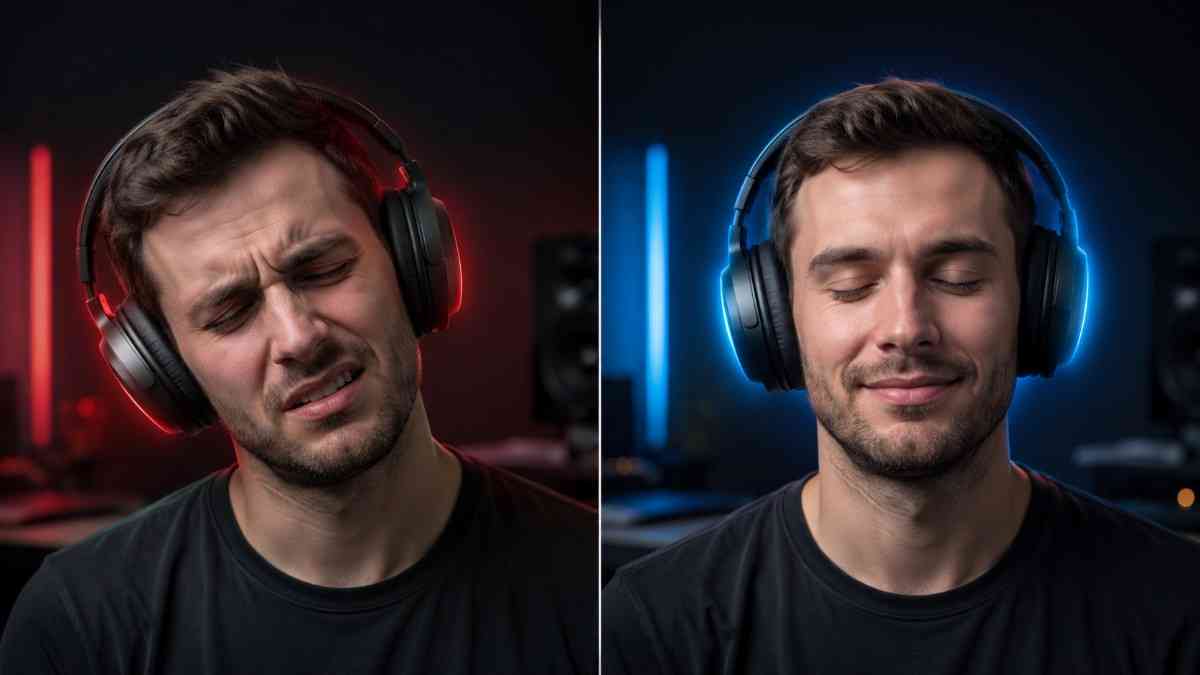
Most people wear headphones wrong — and pay for it with muddy sound, ear fatigue, and headaches. Here's the fix.
Why Wearing Headphones Correctly Actually Changes Everything
Knowing how to wear headphones correctly sounds almost too basic to bother with. You stick them on your head — done, right? Not quite. A slightly off placement can gut your bass, kill your noise cancellation, and leave you with a sore head after an hour. It's one of those things that feels invisible until you suddenly notice the difference.
Think of it this way: even a $400 pair of great-sounding headphones performs like a $30 discount buy if the earcups don't sit flush. The drivers need a proper acoustic seal to deliver the sound they were designed for.
Bad fit also triggers the dreaded headset dent — that temporary indent the headband leaves on your scalp. Yes, it's real. Getting the headband tension right from the start prevents it. And if you're already dealing with one, check out how to fix a headset dent — most cases resolve faster than you'd think.
▲ Practical tips that work for every head shape — worth the 5 minutes.
Wearing Headphones Correctly — By Type
Select your style below. The steps differ more than you'd expect.
Over-Ear Headphones
These are the big circumaural cups — they wrap fully around your ears. When worn right, you get a complete acoustic seal and real noise isolation without touching noise cancelling at all.
Check L and R markers
Both sides have markings. Wearing them reversed sounds subtly wrong — stereo imaging flips, and some cups are angled to face forward, so the fit suffers too.
Extend the headband symmetrically
Pull each slider out equally. An uneven headband tips the cups off-centre, breaking the seal on one side. A quick mirror check takes two seconds.
Centre the headband on your skull
The arch should sit across the top of your head, not forward toward your forehead or back toward your crown. Middle wins every time.
Slide earcups over your ears — not on them
Your whole ear should fit inside the cup. Wiggle the cups slightly until your pinna (the outer ear) sits comfortably inside the padding without touching the driver grille.
Test the seal and adjust clamping force
Play a bass-heavy track. If it sounds thin or hollow, the seal's broken. Tighten by shortening each slider one notch at a time — don't force it.
On-Ear Headphones
On-ear cups rest on your outer ear rather than surrounding it. Less isolating, but lighter and easier to carry.
Check L/R orientation
Same rule as over-ear. Some on-ear cups are canted at an angle — wearing them reversed feels uncomfortable fast.
Centre the cup on your ear
The pad should sit on the middle of your ear — not high, not low. Off-centre placement creates pressure on your cartilage rather than the fleshier part of the ear.
Adjust headband tension carefully
On-ear headphones clamp directly on ear tissue, so too much tension hurts quickly. If you feel pain within 20 minutes, loosen the headband by bending the metal arc very gently outward — just a few millimetres.
Accept some sound leakage
On-ear designs always leak more than over-ear. If a seatmate can hear your music, the volume is dangerously high — not a fit problem.
In-Ear Headphones & Earbuds
Choosing and inserting the right ear tip makes the entire difference between muddy and brilliant sound. Before you buy, read how to choose wireless earbuds so you're picking the right tip design from day one.
Match ear tips to your ear canal size
Most earbuds include S/M/L tips. Start with medium. A good seal means you hear music clearly even at low volume. A poor seal makes bass disappear entirely.
Gently tug your earlobe downward while inserting
This briefly widens the ear canal and lets the tip slide in without force. Push until you feel gentle resistance — not pain.
Twist the earbud slightly to lock it
A small clockwise or counter-clockwise rotation seats the tip against the canal wall. This is the single move that stops most earbuds from falling out during exercise.
Run the cable behind your ear (wired models)
Looping the cable over and behind your ear creates a natural anchor. It also stops the cable from pulling the earbud loose when you move.
Check your connection
If you use wireless earbuds and they won't pair after you've inserted them, check our guide on how to connect earbuds — it's often a simple pairing reset.
Common Mistakes That Ruin Your Listening Experience
Seen these? You might be doing a few of them right now.
| Mistake | What Actually Happens | Fix |
|---|---|---|
| Wearing L/R cups on the wrong sides | Stereo image flips — instruments and vocals appear in wrong positions | Easy Check the L/R stamp; left usually has a tactile dot |
| Uneven headband extension | One cup sits lower, breaking the seal and causing lopsided pressure | Easy Extend both sliders to the same notch |
| Ear canal not fully inside cup (over-ear) | Ear presses on the driver grille — painful and bass-killing | Medium Wiggle cups backward until ear clears the inner wall |
| Wrong ear tip size (in-ear) | No seal = no bass, earbuds fall out every few minutes | Easy Try all three sizes; the right one creates audible suction |
| Volume above 85 dB | Permanent hearing damage — starts with ringing, ends with loss | Critical Follow the 60/60 rule below |
| Wearing headphones on a ponytail or thick bun | Headband pressure concentrates on one point; dents form faster | Medium Move hair to the nape of the neck or use a low bun |
Volume Safety — What's Actually Safe for Your Ears?
Getting the fit right means nothing if you're blasting your ears into damage territory. The Hearing Health Foundation puts the safe ceiling at 70 dB for extended listening — roughly the volume of a normal conversation.
🔊 Sound Level Reference Chart
The fix? Follow the 60/60 rule — developed by audiologists and dead simple: keep volume at 60% max, take a break after 60 minutes. That keeps your average exposure well clear of the 85 dB threshold where real damage begins to stack up.
Noise-cancelling headphones actually help here. When you block ambient noise, you stop the reflex to crank volume to compete with your environment. If you haven't picked a pair yet, see our best noise cancelling headphones guide options across every price point.
Headphone Type Comparison at a Glance
| Feature | Over-Ear | On-Ear | In-Ear |
|---|---|---|---|
| Fit learning curve | Moderate | Low | High |
| Seal quality | Excellent | Moderate | Tip-dependent |
| Long-session comfort | Best (no ear canal pressure) | Decent (ear fatigue possible) | Variable by tip size |
| Glasses compatibility | Memory foam = OK; leather = poor | Good | Excellent |
| Exercise suitability | Poor (slides off) | Moderate | Best (twist-lock) |
| Hearing safety risk | Lower (drivers further away) | Moderate | Higher (direct canal exposure) |
Screenshot: iPhone Health app, Hearing section — a practical way to monitor your own exposure without any extra gear. Android users can use the NIOSH SLM app recommended by the WHO.
What Readers Said After Fixing Their Fit
"I'd been using my Sony XM5s with the cups not fully covering my ears for months. Fixing that alone turned the bass from non-existent to incredible. Wish I'd done this day one."
"The tip-size change was the game-changer. I was using the default medium tips on earbuds that needed small ones. They stopped falling out on runs AND the sound got noticeably fuller."
"Never realised I was wearing them backwards. The stereo difference is wild — it sounds like a completely different pair of headphones now. Also fixed my neck ache from the headband sitting crooked."
Frequently Asked Questions
