




You have probably seen it on a Best Buy shelf tag or an Amazon listing and thought, wait. QLED. Is that the same thing as OLED. Is it a new screen type. Is it just marketing.
It is a little of all that, but it is not fake either.
QLED is basically an LED LCD TV with a quantum dot layer. That one sentence clears up like 70 percent of the confusion. Still, the rest matters, because two TVs can both say QLED and look very different in your living room.
Let’s unpack what it actually means, what it does well, what it does not do, and how to shop without getting tricked by shiny labels.
What is QLED?
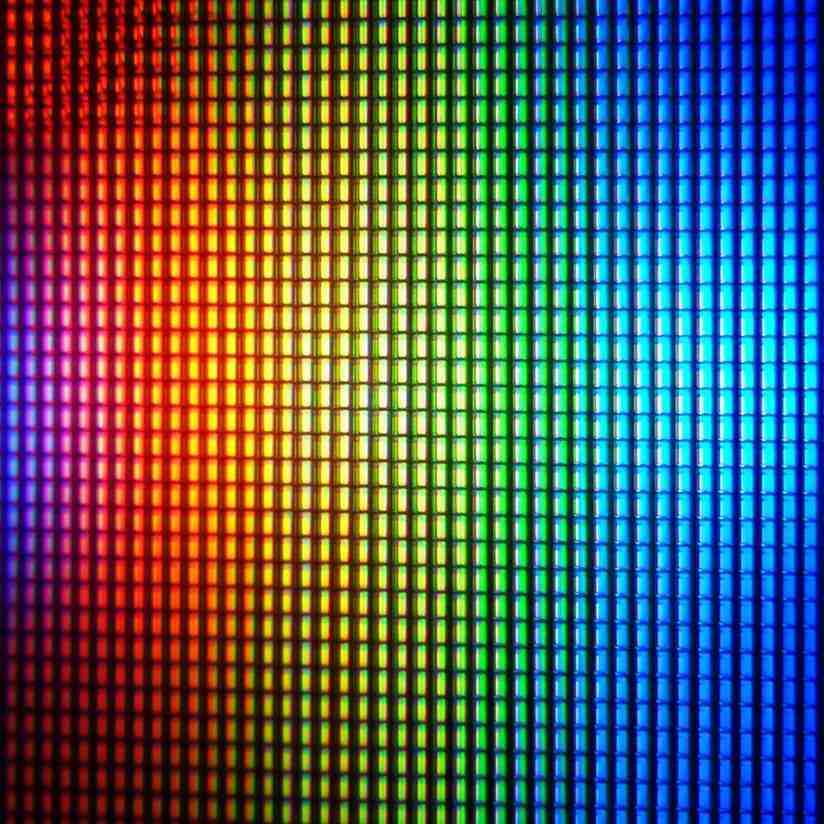
QLED stands for Quantum Dot Light Emitting Diode. It is a type of TV screen technology that uses microscopic nanocrystals called quantum dots to make pictures much brighter and more colorful than standard LED-LCD screens.
That sounds like the TV is “emitting” light using quantum dots. But here is the catch. In almost every consumer TV that says QLED, the quantum dots are not the thing making the light.
The backlight is still an LED backlight, like a normal LED TV.
What quantum dots do is act like a color upgrade layer. They take the backlight and help the TV produce purer reds and greens, which usually means better color volume, better HDR color punch, and less washed out bright scenes.
So when you see QLED, mentally translate it to:
LED LCD TV + quantum dot color layer.
That is it. That is the core.
How does QLED work?
QLED (Quantum Dot Light Emitting Diode) is an advanced type of LED-backlit LCD television. It works by shining a powerful LED backlight through a specialized layer of microscopic nanocrystals called quantum dots, which convert the light into intensely vivid, precise primary colors to dramatically boost brightness and color accuracy.
The Core Components
- The Backlight: A powerful array of LEDs (or Mini-LEDs) sits at the back of the TV, usually shining blue light.
- The Quantum Dot Film: A thin layer filled with tiny semiconductor nanocrystals sits right in front of the backlight.
- The LCD Panel: Liquid crystals and traditional color filters shape the final picture.
Step-by-Step Process
- Illumination: The back LEDs turn on and blast light forward into the screen assembly.
- Color Conversion: When the blue backlight hits the quantum dots, the particles react based on their precise physical size. Smaller dots emit green light, while larger dots emit red light (the rest of the blue light passes straight through).
- Purifying Light: Unlike ordinary colored filters that leak mixed hues, quantum dots convert light with extreme purity, preventing color bleeding.
- Image Creation: The purified red, green, and blue light passes through the liquid crystal layer and standard filters to form the sharp picture you see on screen.
QLED is not OLED
This is where the confusion gets expensive.
OLED TVs use self lit pixels. Each pixel turns on and off by itself. That is why OLED is famous for perfect blacks. A pixel can literally shut off.
QLED TVs are still LCD TVs. They use a backlight shining through layers. Even if the LCD layer tries to block the light for a black scene, some light often leaks. So blacks can look more like dark gray, especially in a dim room.
So, quick gut check:
- If you care most about black levels, contrast, and movie night in the dark, OLED usually wins.
- If you care most about brightness, vivid color in a sunny room, and lower burn in risk, QLED often makes more sense.
And yeah, there are exceptions. Some high end QLED sets with excellent local dimming can get surprisingly close in contrast. But it is still the same fundamental approach.
What quantum dots actually do
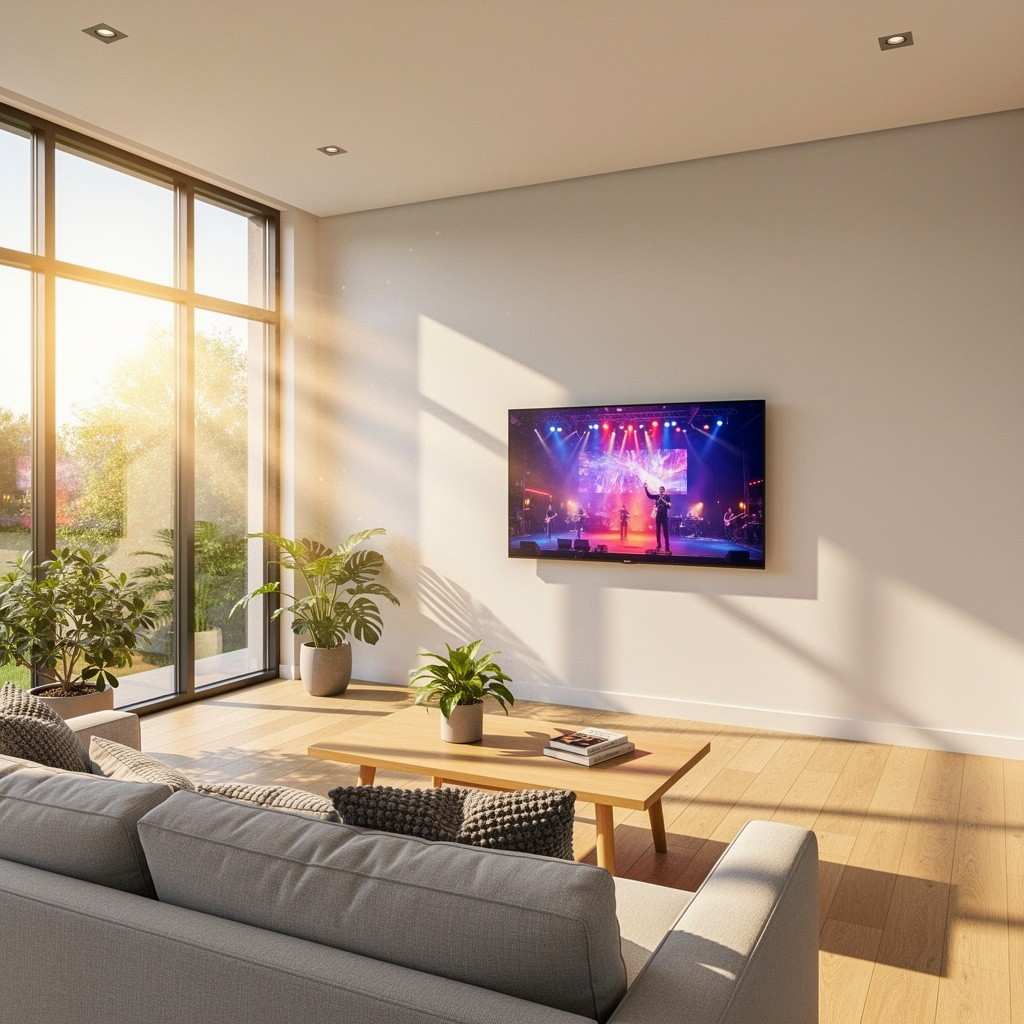
Quantum dots are tiny semiconductor particles. Tiny enough that their size affects the color of light they emit.
In a TV, they sit in a film or layer inside the panel stack. Blue light from the backlight hits them, and the quantum dots convert part of that blue into very specific red and green wavelengths.
Why this is useful:
- You get more accurate colors at high brightness.
- You get better saturation without pushing the picture into neon territory.
- HDR content looks more “full” in bright highlights, like sunlight, fire, reflections, stadium lights, that kind of thing.
A normal LED TV can do good color too, but quantum dots make it easier to hit wide color gamuts (like DCI P3) while staying bright.
What are the benefits of QLED?
QLED TVs offer exceptionally high peak brightness, vibrant and accurate colors, and strong resistance to screen burn-in. They use microscopic nanocrystals to transform backlight into rich, lifelike visuals that stand out even in sunlit rooms.
Key Advantages of QLED
- High Brightness: Peak luminance levels surpass standard LED screens, making images pop during bright daytime viewing.
- Vibrant Colors: Quantum dots produce over a billion distinct shades for a wide color gamut that stays saturated at high brightness.
- No Burn-In Risk: Unlike older plasma or some self-emissive panels, static images and HUDs in games will not permanently damage the screen.
- Great Value: They deliver premium, high-contrast HDR performance at a more accessible price point than OLED alternatives.
- Long Lifespan: Inorganic quantum dot materials maintain stable performance over thousands of hours of heavy use.
If QLED is still LCD, what parts determine picture quality?
This is the part most buyers miss. The word QLED tells you one ingredient, not the whole recipe.
Here is what actually changes how a QLED TV looks.
1) The backlight type and local dimming
The backlight is the muscle of the TV.
- Edge lit means LEDs around the edges. Usually thinner, usually worse uniformity.
- Full array means LEDs behind the whole panel. Better.
- Mini LED means lots of tiny LEDs behind the panel. Even better, because you can have more dimming zones.
Then you have local dimming, where the TV can dim parts of the backlight in dark areas. More zones usually means less blooming, better contrast, and better HDR pop.
This is why two QLED TVs can look totally different. A cheap QLED with edge lighting can look fine in a store demo and kind of meh at home. A Mini LED QLED can look impressive, like “wow this is bright and crisp” impressive.
2) Panel type: VA vs IPS (or ADS)
This is another hidden one.
- VA panels tend to have better native contrast. Deeper blacks, better movie look.
- IPS or ADS tends to have better viewing angles, but worse contrast.
If you sit centered, VA is often the better pick for picture depth. If you have a wide couch and people sit off to the side, IPS style panels can keep colors from shifting as much.
3) Processing and tone mapping
HDR is not just brightness. It is how the TV maps bright highlights and shadow detail.
A QLED TV with great processing can preserve detail in clouds, snow, skin tones in mixed lighting, and not crush everything into a dark blob.
This is why brand and model matter. The label alone does not.
Is QLED just Samsung?
Samsung made the term famous, so people associate QLED with Samsung. But QLED is not a Samsung exclusive thing in the general sense.
A lot of brands use quantum dots. Some call it QLED. Some call it something else. You will see labels like:
- QLED
- Quantum Dot
- QD Color
- QLED+ (usually marketing)
- Mini LED QLED (a combo label that matters more)
So yes, Samsung is the main face of QLED. But the underlying tech is used across the market.
What about QD OLED. Is that QLED?
This is where it gets messy.
QD OLED is a different thing. It is still OLED at its core, but it uses quantum dots to create color in a different way than traditional OLED (WOLED).
QD OLED TVs can have:
- excellent blacks (because OLED)
- strong color volume (because quantum dots)
- very punchy HDR
If a listing says QD OLED, that is not “a QLED TV”. It is an OLED TV with quantum dots.
So, translate like this:
- QLED = LCD TV with quantum dots.
- QD OLED = OLED TV using quantum dots.
Different animals.
The real strengths of QLED TVs
Here is where QLED tends to shine, literally.
Bright rooms and daytime viewing
If your room has big windows, or you watch sports during the day, QLED models often get bright enough to fight glare and ambient light better than many OLED models.
Not every QLED is a flashlight. But brightness is generally where the category does well.
HDR that looks impactful, even without a perfect room
HDR is supposed to look like bright highlights and realistic contrast. QLED TVs, especially Mini LED ones, can deliver that “wow” factor in bright scenes.
No real burn in anxiety for normal people
Burn in is a complicated topic. While OLED burn in is not guaranteed and modern OLEDs have protections, the risk can be higher if you leave static elements up all day. This could lead to a situation similar to burnout where recovery becomes difficult. QLED, being LCD based, is generally the safer bet for heavy static content routines.
Price and size options
In big sizes, QLED LCD models can be a better value. It is often easier to find a 75 inch or 85 inch QLED deal than an OLED deal at the same price.
The weaknesses (and yes, they matter)
QLED is good. It is not magic.
Blacks and blooming
Because there is a backlight, you can get blooming. That halo around bright objects on a dark background.
Higher end local dimming helps a lot. Mini LED helps a lot. But in a dark room, OLED still tends to look cleaner in shadowy scenes.
Uniformity quirks
Some LCD TVs show dirty screen effect, banding, or uneven brightness in panning shots like hockey, soccer, or sky scenes.
Not every unit. Not every model. But it is more of a thing with LCD than OLED, generally.
Viewing angles (depending on panel)
Some QLED TVs lose contrast when you sit off axis. Great picture straight on, then it fades a bit from the side.
This is model dependent, but it is worth thinking about if you have a wide seating area.
QLED vs LED vs UHD. The labels that confuse people
You will see a bunch of words thrown around. Here is the plain breakdown.
LED TV
Almost always means LCD TV with LED backlight. This is the standard category.
QLED TV
Still an LED LCD TV. Just with quantum dots for improved color.
UHD / 4K
This is resolution. It does not tell you anything about panel quality, brightness, contrast, or color. It just means 3840 x 2160 pixels.
A cheap UHD TV can look worse than a great 1080p TV in some ways. Not resolution wise, but in contrast, motion, upscaling, all the stuff you feel when watching.
HDR10, HDR10+, Dolby Vision
These are HDR formats. Many QLED models support HDR10. Some support HDR10+. Some support Dolby Vision. The format support matters less than the TV’s actual HDR performance, but if you care about streaming movies, Dolby Vision support can be a plus.
(And yes, Samsung often skips Dolby Vision. That can influence some buyers.)
How to shop for a QLED TV without getting played
If you take nothing else from this post, take this checklist. Because “QLED” alone is not a quality stamp.
1) Look for Mini LED or full array local dimming
If you care about contrast and HDR, prioritize:
- Mini LED QLED, or
- Full array local dimming QLED with a decent zone count
Edge lit QLED can still be okay for casual viewing, but it is not what people imagine when they hear QLED hype.
2) Check real brightness measurements (if you can)
Stores love “peak brightness” marketing. Reviews that measure sustained HDR brightness and real scene performance are more useful.
If you cannot find measurements, at least compare models within the same brand lineup. The higher tier models are usually brighter with better dimming.
3) Think about your room first
- Bright room, lots of daytime TV: QLED is often a very safe choice.
- Dark room movie watching: OLED might fit better, unless you pick a high end Mini LED QLED.
4) Don’t overpay for the word QLED
Sometimes a non QLED TV with great local dimming can look better than an entry QLED model. Especially during sales, the best value might be “last year’s higher tier” instead of “this year’s entry tier with quantum dots”.
5) Pick size like an adult, not like a marketer
A slightly worse TV that is bigger can be more enjoyable than a perfect TV that feels small. Sitting distance matters. So does what you watch.
If you mostly stream and watch sports, size is a huge part of perceived quality.
Who should buy a QLED TV?
QLED makes the most sense if you are in one of these buckets.
- You watch in a bright room and hate a dim picture.
- You watch a lot of sports, cable, YouTube, general TV.
- You want strong HDR pop and vivid color.
- You want big screen sizes for less money.
- You play games and want high brightness and low worry about static HUD elements.
And if you are mainly a movie person who watches at night with the lights off, you might still like QLED. Just aim higher in the lineup, with Mini LED and solid dimming.
Is QLED worth it?
Yes, QLED is worth it if you need a very bright TV for a sunlit room, want vibrant colors, and prefer a lower price than OLED. However, OLED is still better for dark rooms and deep blacks.
Why QLED is Worth It
- High Brightness: QLED screens get much brighter than standard LED or basic TVs, making them clear in sunny rooms.
- Vibrant Colors: Quantum dots make colors pop and stay bright without looking faded.
- No Burn-In Risk: Unlike OLED, QLED cannot suffer from image burn-in, making it safe for news or static gaming huds.
- Better Value: QLED TVs cost less, especially in large screen sizes.
When to Skip QLED
- Dark Room Viewing: If you watch movies in a dark room, OLED has true blacks and better contrast.
- Side Angles: QLED picture quality can fade if you sit off to the side.
A quick “translation guide” for common QLED marketing phrases
Because these listings get silly.
- “100% Color Volume” usually means strong color at high brightness, often quantum dot related.
- “Quantum HDR” is usually branding for HDR processing and brightness capability, varies by model.
- “QLED+” usually means nothing standardized. Look for specs, not plus signs.
- “Mini LED QLED” actually means something. More backlight control, usually better contrast.
- “UltraBright” could mean anything. Read reviews if it matters to you.
The simple takeaway
QLED is not a new screen type in the way OLED is. It is an LCD TV with a quantum dot layer that improves color, especially at higher brightness.
That is why QLED TVs often look fantastic in bright rooms and why HDR can really pop.
But the best looking QLED TVs are usually the ones with better backlights and better dimming. Mini LED and full array local dimming matter more than the label on the box.
So when you see QLED, don’t stop there. Treat it like a starting point. Then ask the real questions.
What backlight does it use. How good is local dimming. How bright does it actually get. And is your room bright or dark.
That is the stuff that decides whether you end up thinking, yeah this was worth it. Or, why does my “QLED” look kind of gray at night.
FAQs (Frequently Asked Questions)
What is QLED technology in TVs?
QLED stands for Quantum Dot Light Emitting Diode and refers to an LED LCD TV that includes a quantum dot layer. This layer enhances color accuracy by converting blue LED backlight into purer reds and greens, resulting in better color volume and improved HDR performance.
How does QLED differ from OLED TVs?
Unlike OLED TVs, which have self-lit pixels that can turn off individually for perfect blacks, QLED TVs use an LED backlight shining through an LCD panel with a quantum dot layer. This means QLEDs typically have less perfect blacks due to light leakage but often offer higher brightness and vivid colors, making them suitable for bright rooms.
What benefits do quantum dots provide in QLED TVs?
Quantum dots are tiny semiconductor particles that convert blue backlight into precise red and green wavelengths. This leads to more accurate colors at high brightness levels, better saturation without unnatural neon effects, and fuller HDR highlights such as sunlight or reflections.
What factors influence picture quality in QLED TVs besides the quantum dot layer?
Picture quality depends on several components: the type of backlight (edge-lit, full-array, or Mini LED), the presence and quality of local dimming zones which improve contrast, the panel type (VA panels offer better native contrast while IPS/ADS panels provide wider viewing angles), and the TV’s processing capabilities including HDR tone mapping.
Why might two QLED TVs look very different despite having the same label?
The ‘QLED’ label only indicates the presence of a quantum dot layer but doesn’t guarantee overall picture quality. Differences in backlight technology (like Mini LED vs edge-lit), panel types, local dimming effectiveness, and image processing can cause significant variation in brightness, contrast, color accuracy, and viewing experience between models.
Which TV technology is better for dark room movie watching: QLED or OLED?
For dark room viewing where deep black levels and high contrast matter most, OLED usually outperforms QLED because its self-emissive pixels can turn off completely to achieve perfect blacks. However, if you prioritize brightness and vivid colors in well-lit rooms with lower risk of burn-in, QLED may be a better choice.
