




Microsoft’s newest Surface laptops meet the company’s previous hardware requirements for Copilot+ PCs. However, Microsoft is not marketing the new Surface Pro 12-inch and Surface Laptop 13-inch systems under that name.
The devices use Qualcomm Snapdragon X2 Plus processors. Their integrated Hexagon NPUs are reported at 80 TOPS, well above the previous 40-TOPS Copilot+ threshold. The systems are scheduled for October 13, 2026, according to current Microsoft Surface coverage.
The decision creates a practical question for shoppers. If a laptop can support the hardware requirements but does not carry the Copilot+ badge, what should buyers look for?
The answer is simple: focus on the actual processor, NPU, memory, software features, application support, and privacy controls. A brand label can help, but it cannot replace product-level research.
Key Takeaways
- Check supported AI features directly: Do not assume a laptop lacks local AI because Microsoft removes the Copilot+ badge.
- Verify Arm software compatibility: Snapdragon X2 Plus laptops may suit web work, but specialist Windows programs need testing before purchase.
- Compare real benefits, not TOPS alone: NPU capacity does not predict battery life, application speed, or overall laptop performance.
Table of Contents
- What Microsoft Changed
- What Copilot+ PC Originally Meant
- Why the Badge May Matter Less Now
- What an NPU Actually Does
- Snapdragon X2 Plus and the New Surface Devices
- Local AI vs. Cloud AI
- What the Branding Change Means for Buyers
- Compatibility and Software Risks
- Privacy and Security Considerations
- Who Should Buy an AI Laptop?
- Who Should Not Upgrade?
- What to Watch Next
- Conclusion
- FAQs
What Microsoft changed
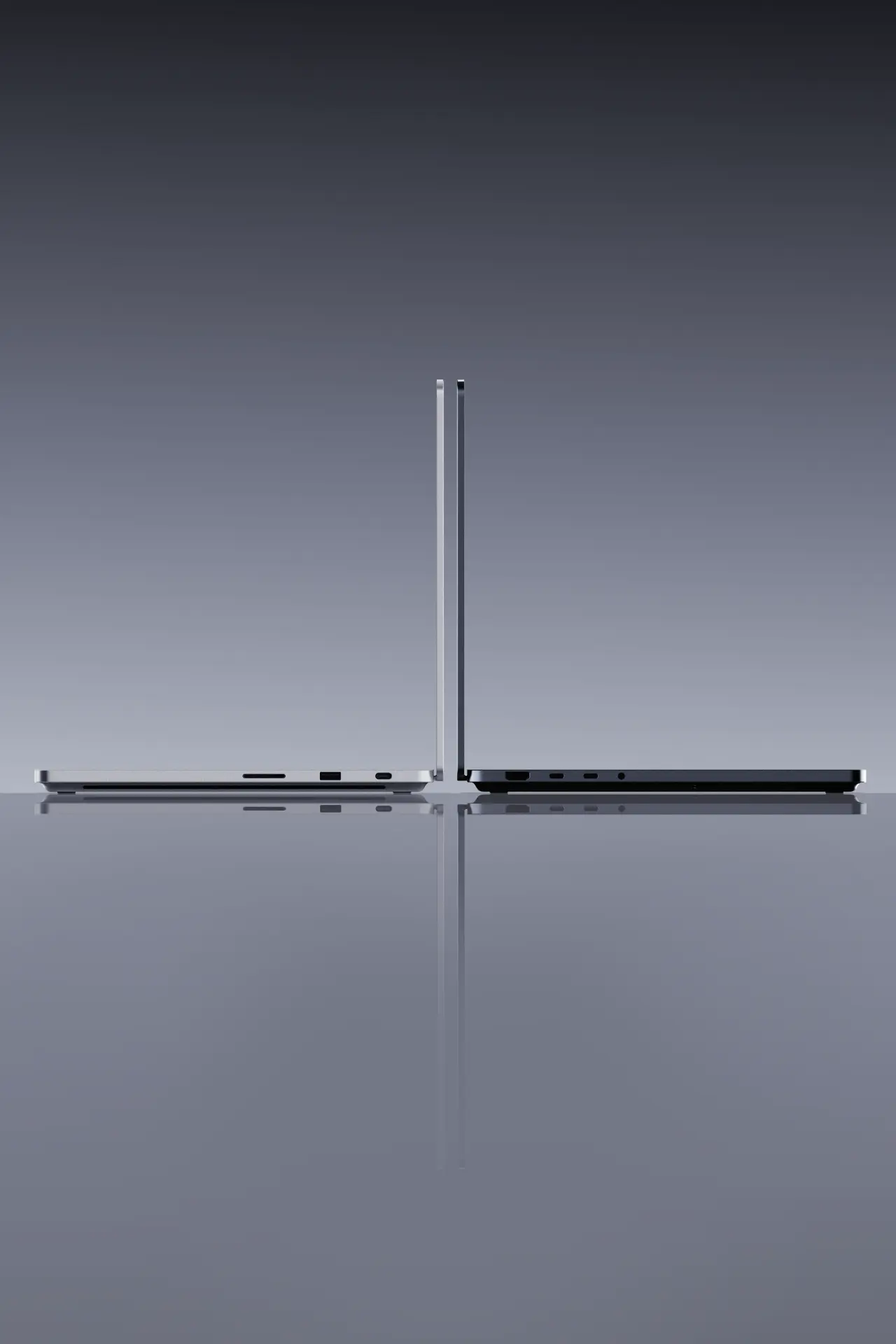
Microsoft has introduced new Surface devices built around Qualcomm’s Snapdragon X2 Plus platform. The products include a 12-inch Surface Pro and a 13-inch Surface Laptop, with planned availability on October 13, 2026.
These systems appear to meet the technical requirements Microsoft previously associated with Copilot+ PCs. Ars Technica reports that the devices include an 80-TOPS Qualcomm Hexagon NPU, at least 16GB of memory, and at least 256GB of storage in configurations discussed by Microsoft and Qualcomm.
Microsoft executive Brett Ostrom said the devices meet the previous requirements but are not called Copilot+ PCs. The statement is important because it separates the underlying hardware from the marketing label.
This does not prove that Microsoft has ended Copilot+ across Windows. It shows that Microsoft has chosen not to use the badge on these particular Surface products.
That distinction matters.
Consumers should avoid assuming that one branding decision represents a complete change to Windows AI requirements. The company may continue using Copilot+ for other products, partner systems, or future software experiences.
What Copilot+ PC originally meant
Microsoft introduced Copilot+ as a category for Windows laptops with hardware designed to run AI features locally.
The original requirements included at least 16GB of RAM, 256GB of storage, and an NPU capable of at least 40 trillion operations per second.
The label helped consumers identify systems with dedicated AI acceleration.
That was useful when NPUs were new. A buyer could see the badge and understand that the laptop met a minimum hardware level for selected Windows features.
The category also supported Microsoft’s larger message about on-device computing. Local AI can reduce dependence on cloud services for some tasks, improve response times, and limit the amount of data sent to remote servers.
However, the badge was never a complete performance rating.
It did not tell buyers how fast the CPU was, how capable the graphics processor was, how bright the display was, or how long the battery lasted. It also did not guarantee that every AI feature would work on every model.
The label identified a hardware and software category. It did not define the entire laptop experience.
Why the badge may matter less now
One possible explanation is that the hardware threshold has become less distinctive.
New premium laptops increasingly include NPUs. Qualcomm, Intel, AMD, and Apple all promote local AI acceleration in current laptop platforms. If most premium laptops meet the minimum requirement, the badge may provide less useful information.
Microsoft may therefore be shifting attention from the category to the experience.
The new Surface systems are described around local and hybrid AI rather than a badge. The company appears to be discussing what the devices can do instead of placing as much emphasis on the category name.
This approach can improve marketing flexibility, but it may also increase buyer confusion.
A simple label gives consumers a shortcut. Without it, buyers may need to read technical specifications and understand the difference between CPU, GPU, and NPU performance.
That is not easy for everyone.
The change may also reflect the limits of NPU marketing. A higher TOPS number sounds impressive, but consumers rarely buy a laptop to perform abstract neural operations. They buy a laptop to work, study, edit media, play games, and communicate.
The value comes from the software experience.
What an NPU actually does
An NPU is a processor designed for certain machine-learning tasks.
It can help a laptop process speech, images, video effects, text, and other AI workloads with lower power use than a general-purpose CPU. An NPU can work alongside the CPU and GPU rather than replacing them.
Common NPU-related features include:
- Webcam background effects.
- Voice isolation.
- Live captions.
- Image generation.
- Document summarization.
- Local transcription.
- Photo enhancement.
- Some security and accessibility tools.
The NPU does not make every application faster.
A program must be written or updated to use the hardware. If an application does not support the NPU, the CPU or GPU may handle the task instead.
This is why TOPS should not be treated as a direct laptop-speed score.
An 80-TOPS NPU does not mean the computer is twice as fast as a 40-TOPS system in every workload. The result depends on the model, the software, the data type, and the specific AI operation.
Consumers should ask a more practical question: which features will the laptop support, and will those features improve my daily work?
Snapdragon X2 Plus and the new Surface devices
The new Surface systems use Qualcomm’s Snapdragon X2 Plus platform. Microsoft and Qualcomm are positioning the devices around portable Windows computing and local AI capability.
The reported 80-TOPS NPU exceeds the previous Copilot+ requirement. That gives the systems enough theoretical AI capacity for features designed around local processing.
The processor architecture also matters.
Snapdragon X2 Plus is an Arm-based platform. Arm laptops can provide strong efficiency and low heat, but application compatibility remains a key buying issue.
Many common applications now support Arm Windows directly or run through Microsoft’s compatibility layers. However, specialist software may behave differently. Some tools may require emulation, and some device drivers may not support Arm systems fully.
That matters for:
- Engineering programs.
- Older accounting software.
- Industrial tools.
- Specialized plug-ins.
- Virtual machines.
- Certain development environments.
- Legacy printers and scanners.
- Professional audio equipment.
The new Surface devices may work well for mainstream productivity. Buyers with specialized workflows should test the exact applications they need.
Local AI versus cloud AI
The Copilot+ debate also requires a clear distinction between local and cloud processing.
Local AI runs on the device. It can work without sending every input to a remote server, although some features may still require network access. Local processing can reduce latency and improve privacy for selected tasks.
Cloud AI runs on remote servers. It can use larger models and more computing power, but it requires an internet connection and sends data to an external service.
Many modern AI features use a hybrid approach.
A laptop may process a small task locally and send a more demanding request to the cloud. The user may not always see which path the system uses.
That creates practical questions:
- Does the feature work offline?
- Is the data stored?
- Can the user disable cloud processing?
- Does the application use a personal account?
- Are business files sent outside the device?
- Does the feature require a subscription?
A laptop badge cannot answer these questions.
Buyers should read the software documentation and privacy settings before using AI with sensitive documents or work data.
What the branding change means for buyers
The most important lesson is that consumers should stop treating AI branding as a buying shortcut.
A laptop can have an NPU but offer few useful AI features. Another system may not carry the Copilot+ name but still support practical local tools.
Before buying, compare the following:
Processor architecture
Check whether the laptop uses Arm or x86 hardware. Arm may improve efficiency, but x86 remains the safer choice for some specialized Windows software.
NPU capability
Look at the NPU specification, but treat it as one part of the platform. A high TOPS figure does not guarantee better overall performance.
Memory
16GB is a practical minimum for many current laptop users. People who use large spreadsheets, creative applications, virtual machines, or local AI tools may need more.
Storage
A 256GB drive can fill quickly after installing applications and storing media. A 512GB or 1TB configuration may provide more comfortable ownership.
Software support
Check the features that matter to you. Do not assume that a laptop supports every Windows AI function simply because it has a modern NPU.
Battery performance
Use independent reviews where possible. Manufacturer battery figures often represent selected test conditions.
Warranty and repairability
A thin AI laptop may solder memory or storage. Confirm repair options before choosing a configuration.
Compatibility and software risks
Arm-based Windows laptops continue to improve, but compatibility remains a practical concern.
Native applications generally provide the best experience. Emulated applications may work well, but performance and battery life can vary.
Drivers create another risk.
Printers, scanners, cameras, audio interfaces, and specialist peripherals may need Arm-compatible drivers. A device that works with an Intel laptop may not work immediately with an Arm model.
Enterprise users should also check management tools.
Business environments may rely on VPN clients, endpoint security software, identity tools, or remote-management platforms. These tools often need specific versions and testing before deployment.
Consumers should build a short compatibility checklist before buying:
- List the applications you use every week.
- Check whether each has native Arm support.
- Verify driver support for important accessories.
- Check whether emulation is acceptable.
- Confirm return and warranty policies.
- Test the workflow before the return period ends.
This process is more reliable than trusting a marketing badge.
Privacy and security considerations
Local AI can improve privacy, but it does not guarantee complete privacy.
A laptop may process some requests locally while sending others to cloud services. An application may store transcripts, summaries, images, or prompts. Users need to understand those settings.
Screen-aware tools deserve particular attention.
If an AI assistant can read visible content, it may access messages, documents, websites, or account information. Users should review permissions and disable features they do not need.
Business users should follow organizational policies.
A company may prohibit uploading confidential data to external AI services. A local NPU does not automatically make every feature compliant with those rules.
Security also depends on updates.
Windows, firmware, browser, drivers, and AI applications all need regular patches. Buyers should select a laptop with clear support terms and a manufacturer that provides timely updates.
The Copilot+ label cannot replace good security practice.
Who should buy an AI laptop?
Students
Students may benefit from live captions, noise reduction, transcription, and writing assistance. These features can help with lectures, group work, and accessibility.
They should still prioritize keyboard quality, battery life, webcam quality, and price.
Remote workers
Remote workers may value camera effects, voice isolation, meeting summaries, and local productivity tools. A good microphone and stable wireless connection remain just as important.
Frequent travelers
Arm-based laptops may appeal to travelers who want a light system with long battery life. They should test offline work and accessory support.
Accessibility-focused users
Speech, captioning, and visual assistance can provide practical benefits. Buyers should check the exact accessibility features available on the chosen Windows version.
Technology enthusiasts
Enthusiasts may want to test local AI tools, developer features, and new application models. They should expect some software experimentation.
Who should not upgrade?
Owners of recent laptops
If your current laptop handles your work well, an NPU alone may not justify replacement.
Users of specialist software
Check compatibility before choosing an Arm system. A laptop with a powerful NPU can still be unsuitable for one critical application.
Gamers
Most AI laptop features do not replace a discrete GPU. Gaming performance depends on graphics hardware, power limits, cooling, and drivers.
Buyers on a strict budget
AI branding can raise prices. If you do not need local AI features, a conventional laptop may provide better value.
Users who need easy repairs
Thin systems often limit upgrades. Confirm memory, storage, and battery service options before purchase.
What competitors are doing
Microsoft’s branding change occurs in a wider industry transition.
Qualcomm continues to promote Arm-based laptop platforms with strong NPUs and efficiency. Intel and AMD include AI acceleration in newer mobile processors. Apple uses integrated neural hardware across its silicon platforms.
The market is therefore moving toward a baseline where AI hardware is common.
That does not mean the user experience is identical.
Each platform has different software support, privacy controls, performance behavior, and application compatibility. Consumers should compare complete systems rather than one specification.
The same principle applies to Googlebook.
A Googlebook, Copilot+ PC, MacBook, or conventional Windows laptop may be useful for different reasons. The right choice depends on applications, workflow, battery needs, and budget.
What to watch next
Several developments will clarify Microsoft’s strategy.
Future Surface launches
Microsoft may continue using Copilot+ on some products while dropping it on others. New product announcements will show whether the badge remains active.
Windows AI software
The value of NPUs depends on Microsoft and third-party developers. New features may make local AI more useful over time.
Arm application support
More native Arm applications would reduce the main barrier to Snapdragon Windows laptops.
Independent Surface testing
Reviews should test battery life, performance, thermals, fan noise, and compatibility.
Enterprise adoption
Business deployments will reveal whether the new systems work reliably with management tools and security software.
Conclusion
Microsoft’s decision to omit Copilot+ branding from new Surface laptops does not make the NPU irrelevant. It makes the label less useful as a buying shortcut.
The new Surface Pro 12-inch and Surface Laptop 13-inch meet the previous Copilot+ hardware requirements, according to current reporting. They use Snapdragon X2 Plus processors and are scheduled for October 13, 2026.
For buyers, the practical message is clear.
Look at the features you will use. Check the processor architecture, application support, memory, storage, battery testing, privacy controls, and repair options.
An 80-TOPS NPU may support powerful local AI features, but it does not guarantee a better laptop for every user. The best system remains the one that handles your real workload reliably.
FAQS
What is Copilot+ PC?
Copilot+ PC was Microsoft’s category for Windows laptops with minimum hardware requirements for selected AI features, including an NPU threshold.
Why are new Surface laptops not called Copilot+ PCs?
Microsoft says the new systems meet the previous requirements but are not being marketed under the Copilot+ name. The broader future of the label remains unclear.
What NPU does the new Surface Laptop use?
Current reporting identifies an 80-TOPS Qualcomm Hexagon NPU in the Snapdragon X2 Plus systems.
Does a higher TOPS number make a laptop faster?
No. TOPS measures a type of AI processing capacity. It does not directly measure CPU speed, gaming performance, battery life, or application responsiveness.
Are Snapdragon Windows laptops compatible with all Windows programs?
No. Many common applications work, but specialist software, drivers, and older tools may need native Arm support or emulation.
Should current laptop owners upgrade for an NPU?
Not automatically. Upgrade when the new software features, battery life, performance, or portability solve a clear need.
Is local AI more private than cloud AI?
Local processing can reduce the amount of data sent to remote servers, but some features use cloud services. Check each application’s privacy.
