




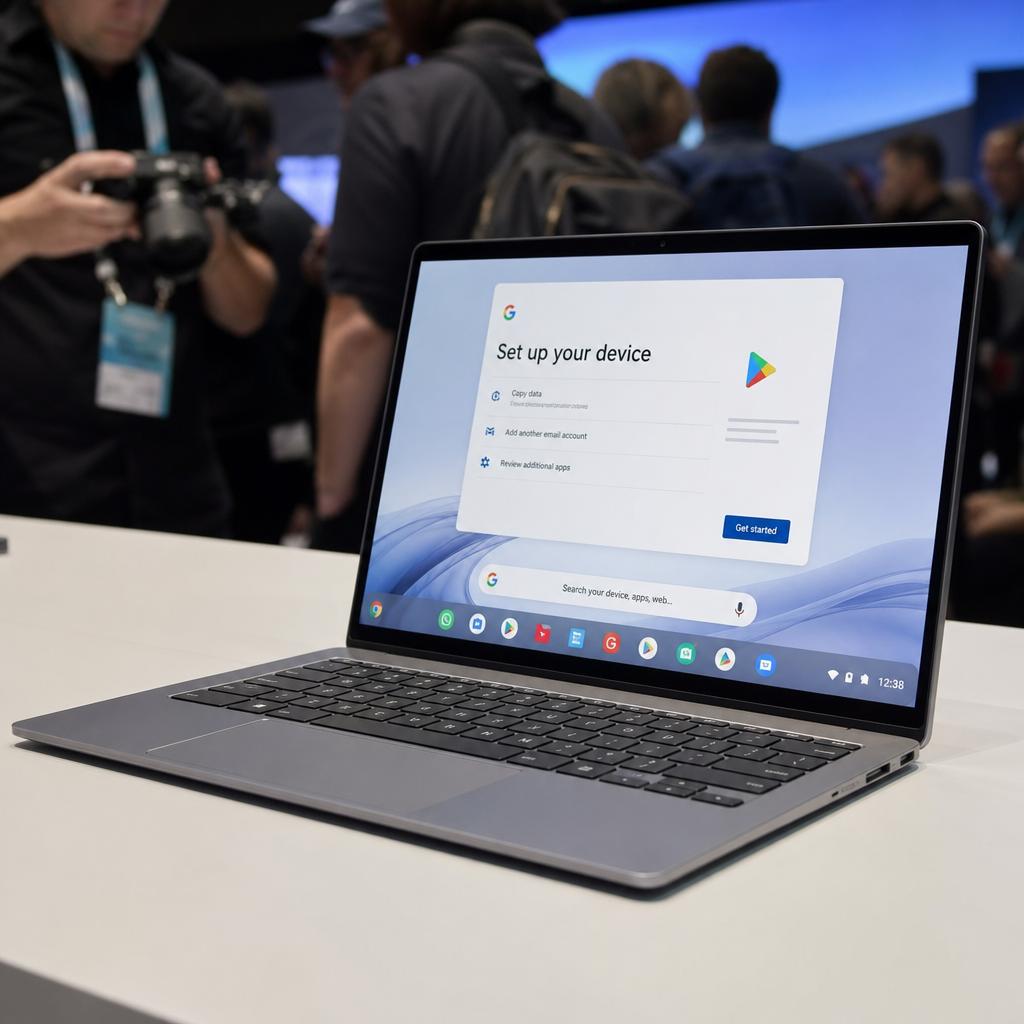
Google has finally put a date on the future of ChromeOS.
The company says ChromeOS devices will continue receiving regular updates and security patches through mid-2034. At the same time, Google says many of its newest Chromebook devices will be eligible to transition to its new Googlebook OS.
That announcement matters because Googlebook is no longer just a new premium laptop category.
It is becoming part of Google’s longer-term strategy for laptop computing.
For existing Chromebook owners, however, there is an important distinction: your Chromebook is not suddenly losing support.
Google says current devices will continue receiving updates throughout their supported lifetimes under the existing ChromeOS Auto Update policy. The company has also said that many newer commercial Chromebooks will eventually be eligible for a transition to Googlebook OS.
The catch is that Google has not yet published the complete eligibility list or explained exactly how the migration will work.
That leaves consumers with several important questions.
How long will your current Chromebook actually receive updates?
Should you still buy a Chromebook in 2026?
Is Googlebook replacing ChromeOS?
Will your existing Chromebook become a Googlebook?
And does this change make buying a new Googlebook a better long-term investment?
Here is what the latest information actually tells us.
Key Takeaways
- ChromeOS is not ending in 2034. Google says ChromeOS devices will receive regular updates and security patches through mid-2034, although individual Chromebooks may have earlier support expiration dates. Google’s Auto Update policy provides device-specific support dates.
- Many newer Chromebooks may transition to Googlebook OS, but Google has not yet published the complete list of eligible devices or explained exactly how migration will work.
- Googlebook is a premium laptop platform starting at $899, with deeper Android integration, Gemini-powered features, Linux development tools, and phone-to-laptop connectivity.
- Existing Chromebook owners do not need to upgrade immediately. The safest approach is to check your Chromebook’s individual Auto Update schedule and wait for Google’s official Googlebook compatibility and migration details.
Table of Contents
- What Google Just Confirmed
- ChromeOS Is Supported Through Mid-2034
- This Does Not Mean Every Chromebook Stops Working in 2034
- What Happens to Chromebooks With Support Dates Beyond 2034?
- Many Newer Chromebooks May Move to Googlebook OS
- Google Has Not Revealed the Eligible Models
- Why Google Is Introducing Googlebook
- What Googlebook OS Changes
- Googlebook Launches October 4
- Googlebook Is Much More Expensive Than a Traditional Chromebook
- Why Android Integration Matters
- Gemini Is Central to Googlebook
- Googlebook Also Targets Developers
- What This Means for Students
- What This Means for Schools and Businesses
- Should You Buy a Chromebook Now?
- Should You Buy a Googlebook Instead?
- What Existing Chromebook Owners Should Do
- What Happens Next
- Conclusion
- FAQs
What Google just confirmed
The most important new information comes from Google’s updated support guidance.
Google says current Chromebook devices will continue receiving updates according to their supported lifetimes.
The company then provides a broader platform-level horizon: ChromeOS devices will receive regular updates and security patches through mid-2034.
Google also says many of its newest Chromebook devices will be eligible to transition to Googlebook OS.
That last part is crucial.
Googlebook is not being presented as a completely separate future from ChromeOS.
Instead, Google appears to be creating a bridge between the two platforms.
The company has not yet explained exactly how that bridge will work.
Google says details about device eligibility and migration paths will be shared later.
That means consumers should resist two opposite reactions.
The first is:
“My Chromebook is about to become obsolete.”
That is incorrect.
The second is:
“Every Chromebook will automatically become a Googlebook.”
That is also unsupported.
The reality is somewhere in between.
ChromeOS is supported through mid-2034
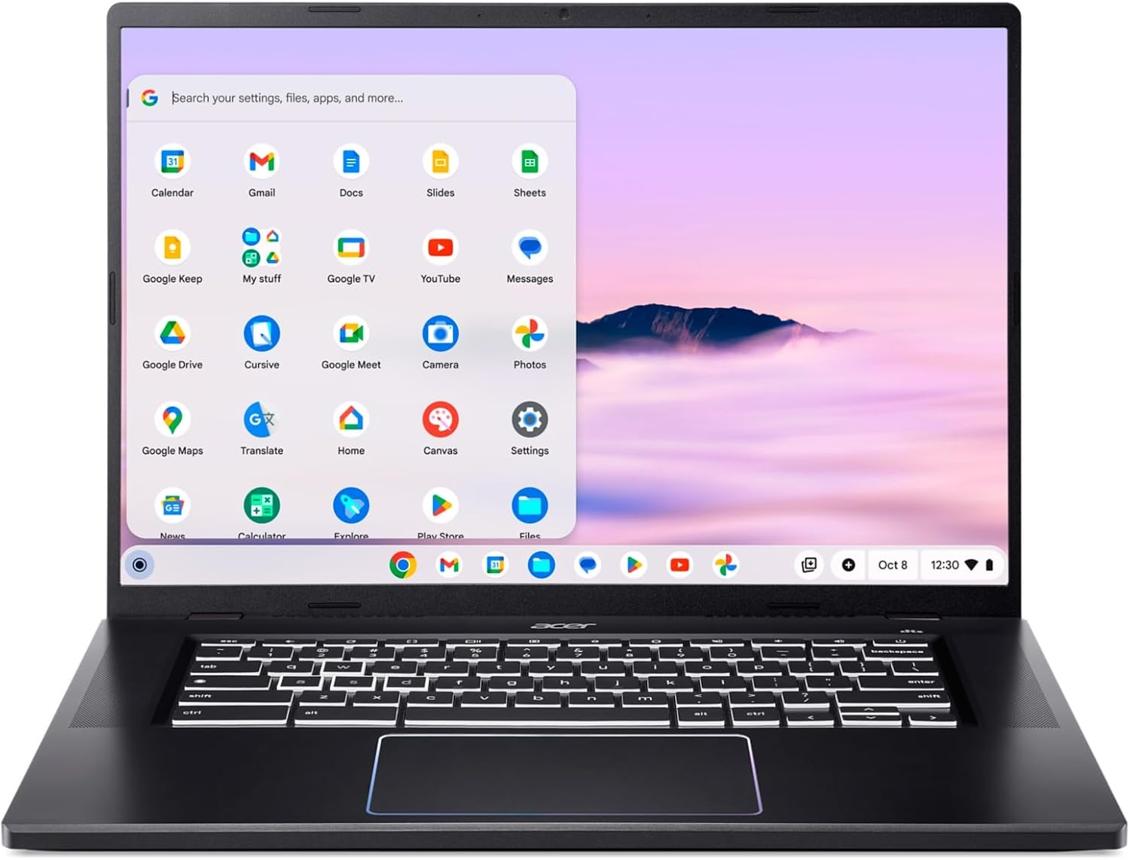
Google’s mid-2034 date gives consumers a clearer picture of the long-term ChromeOS roadmap.
The important word is through.
Google is not saying every Chromebook will necessarily receive updates until the middle of 2034.
Chromebooks have individual support lifetimes.
Some devices will reach their Auto Update Expiration dates much earlier.
Others may have support schedules that extend beyond 2034.
Google is effectively establishing mid-2034 as the outer boundary for ChromeOS’s current update and security-patch roadmap.
That makes checking a Chromebook’s individual support date more important than simply looking at its purchase date.
Two Chromebooks bought at roughly the same time can have different support timelines depending on their platform and launch date.
This does not mean every Chromebook stops working in 2034
This is one of the most important points for ordinary users.
When an operating system reaches the end of its update period, the hardware does not suddenly stop functioning.
A Chromebook can still turn on.
You can still potentially access local files.
You can still use compatible applications.
But the security and software environment becomes increasingly outdated.
For a web-centric computer, browser support is especially important.
A laptop that can technically boot but can no longer receive current browser and security updates becomes less attractive for sensitive tasks such as banking, shopping, work and account management.
Google’s existing support policy is therefore important because it determines the period during which the device remains within Google’s maintained software ecosystem.
What happens to Chromebooks with support dates beyond 2034?
This is where Google’s Googlebook transition becomes significant.
Google says qualifying devices whose 10-year support lifecycle extends beyond 2034 will receive support for transitioning to Googlebook OS, with many devices offering direct migration paths.
That sounds reassuring.
But there is still a major unanswered question.
Which devices qualify?
Google has not published the complete list.
That means consumers should not buy a Chromebook today based on the assumption that it will definitely receive Googlebook OS.
The safest purchasing decision remains to evaluate the Chromebook based on its currently documented support lifetime.
Treat future Googlebook OS compatibility as a potential benefit, not as a guaranteed feature.
Many newer Chromebooks may move to Googlebook OS
Google’s wording is important.
The company says many of its newest Chromebook devices will be eligible to transition to Googlebook OS.
That does not mean every recent Chromebook.
It also does not mean every Chromebook with modern specifications.
Google will ultimately have to decide which hardware configurations can support the new operating environment.
Factors could include processor architecture, memory, storage and other platform requirements, although Google has not published a definitive public hardware eligibility matrix yet.
This is why any article claiming that a particular Chromebook is definitely compatible without official confirmation should be treated cautiously.
Google has not revealed the eligible models
This is currently the biggest missing piece.
Google says details on migration paths and device eligibility are coming.
Until that information arrives, buyers should not rely on unofficial compatibility lists as if they were official.
This is especially important because Googlebook OS is not simply another ChromeOS update.
Google describes Googlebook as a new laptop category built around Android technology, desktop foundations and Gemini Intelligence.
That means migration may involve changes to application behavior and the underlying software environment.
The fact that a Chromebook is technically powerful enough does not automatically prove that Google will support it.
Why Google is introducing Googlebook
Googlebook is Google’s attempt to move its laptop strategy into a more premium market.
The first Googlebooks start at $899 in the US and arrive on October 4, 2026.
The launch partners include:
- Acer
- ASUS
- Dell
- HP
- Lenovo
Google says the new category is designed around Gemini Intelligence and seamless Android-phone integration.
This is very different from the traditional Chromebook proposition.
Chromebooks became widely known for affordability, simplicity and web-first computing.
Googlebook is targeting consumers who want premium hardware and more sophisticated local and cloud computing capabilities.
That explains the higher prices.
What Googlebook OS changes
Googlebook OS brings Android technology more deeply into Google’s laptop environment.
Google says Googlebook supports Android applications, Chrome-based desktop browsing and integration with Android phones.
Google also highlights features such as:
- Magic Pointer;
- Rambler voice organization;
- Create My Widget;
- Android application integration;
- phone-to-laptop file access;
- phone app casting;
- Gemini assistance;
- Linux development tools.
The goal is to make the laptop feel less like an isolated computer.
Instead, it becomes part of a broader Google and Android ecosystem.
Googlebook launches October 4
Googlebook’s US launch is now very close.
Google says devices reach US shelves on October 4, 2026.
That means the next major stage of the story will be independent testing.
Specifications are only part of the equation.
Reviewers need to determine:
- actual battery life;
- application compatibility;
- sustained processor performance;
- Android app quality;
- local AI performance;
- thermal behavior;
- display quality;
- webcam quality;
- keyboard and trackpad experience;
- Linux performance;
- gaming capability.
This is especially important because Googlebook enters a market where consumers already have strong alternatives.
Googlebook is much more expensive than a traditional Chromebook
The $899 starting price is significant.
Traditional Chromebooks can cost substantially less.
Googlebook is instead entering the premium laptop market alongside Windows ultrabooks and MacBooks.
That means buyers should not evaluate Googlebook using the same criteria they would use for a $300 Chromebook.
At $899, the laptop needs to deliver:
- excellent hardware;
- strong software;
- long support;
- useful AI features;
- good battery life;
- application compatibility;
- a polished user experience.
Google is clearly trying to provide that package.
Whether it succeeds will depend heavily on real-world testing.
Why Android integration matters
Googlebook’s strongest differentiator may not be Gemini.
It may be Android.
Google says Googlebook can connect to supported Android phones to let users move tasks, access files and use supported phone applications on the laptop.
That addresses a genuine consumer problem.
Many people already use their phone as their primary camera, communication device and personal computer.
The laptop then becomes the larger-screen workstation.
The more seamlessly those devices work together, the less time users spend transferring files, emailing themselves links or searching for applications on both devices.
Apple has built significant value around similar device continuity.
Googlebook is Google’s answer for Android users.
Gemini is central to Googlebook
Google has also built Gemini into the platform.
One of the most interesting features is Magic Pointer.
Google describes it as a way of bringing Gemini into the user’s current context through the cursor.
Rambler is another example.
It is designed to turn spoken thoughts into organized text, including formatting and action items.
Create My Widget goes further by allowing users to describe the widget they want and have Gemini create it.
These features represent a shift in how Google thinks about laptop AI.
The company is not simply putting a chatbot into a laptop.
It is trying to integrate AI into normal computer interaction.
Googlebook also targets developers
This is an important change from the old Chromebook image.
Google says Googlebook includes a Linux terminal environment and Antigravity, its AI-assisted development platform.
The arrival of Antigravity through the Play Store just before launch reinforces that developer focus.
For developers, that could make Googlebook substantially more interesting than a traditional browser-focused Chromebook.
A developer can potentially combine:
- Chrome;
- Android applications;
- Linux;
- cloud services;
- local AI;
- AI coding agents.
The important qualification is that independent developers still need to test their complete workflow.
A platform can have excellent developer tooling while still lacking compatibility with particular enterprise or proprietary applications.
What this means for students
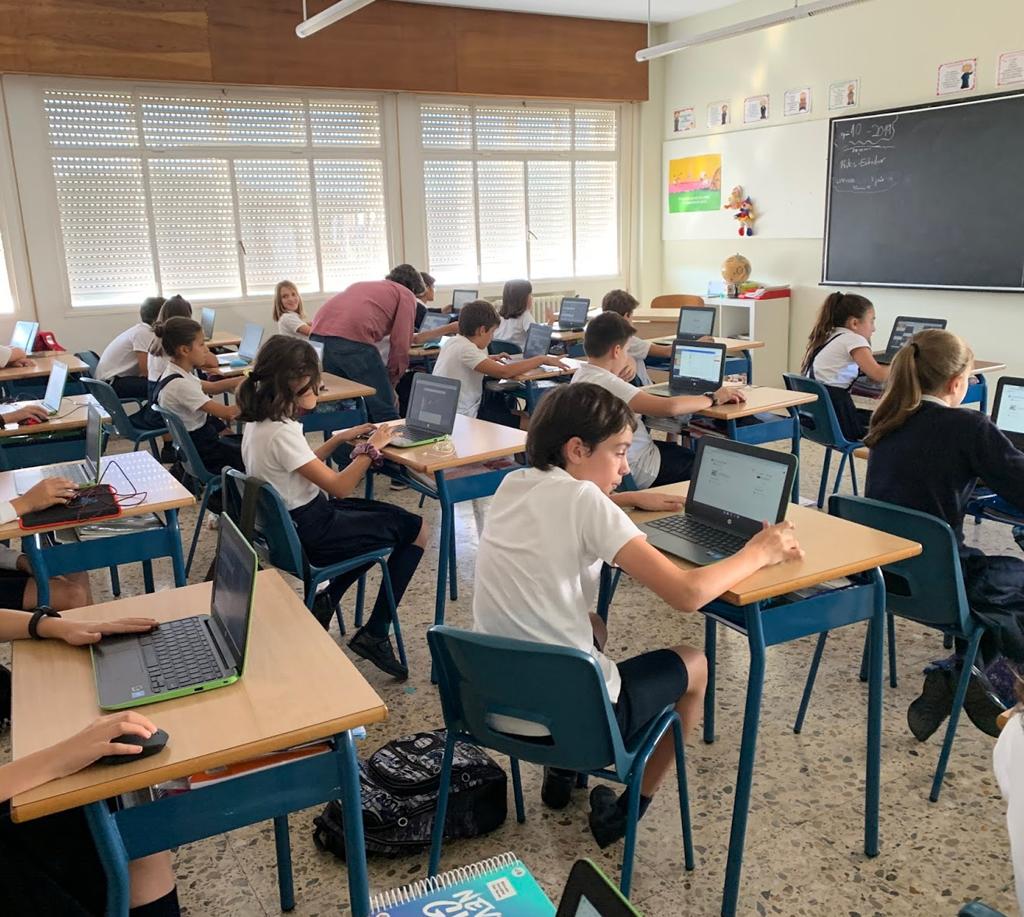
Students are one of the groups most likely to be affected by Google’s transition.
Chromebooks have been widely used in education because they are relatively simple to administer and maintain.
Google says existing ChromeOS Education management capabilities remain available.
Googlebook management tools are planned for the second half of 2027.
That means schools should not interpret Googlebook’s launch as an immediate reason to replace existing Chromebook fleets.
For schools, the sensible approach is to continue evaluating devices according to:
- support lifetime;
- management requirements;
- application compatibility;
- total cost of ownership;
- repairability;
- accessibility;
- security;
- student workload.
Googlebook may eventually become an important education platform, but the management layer needs to mature first.
What this means for schools and businesses
Enterprise and education customers have different requirements from consumers.
A laptop that works beautifully for one person does not automatically work for an organization managing hundreds or thousands of devices.
IT departments need:
- centralized administration;
- account controls;
- security policies;
- application management;
- device enrollment;
- remote management;
- predictable licensing.
Google says it is developing comprehensive Googlebook management capabilities, with rollout planned for the second half of 2027.
Until those capabilities are available, ChromeOS remains the safer choice for organizations already invested in the existing management ecosystem.
Should you buy a Chromebook now?
There is no universal reason to stop buying Chromebooks.
If you need an inexpensive laptop for:
- web browsing;
- schoolwork;
- Google Workspace;
- streaming;
- email;
- basic productivity;
a Chromebook can still make sense.
The important step is to check its support date before buying.
Do not simply look at the model’s processor or RAM.
Look at its Auto Update Expiration information.
A cheaper Chromebook with a short remaining support window may be poor value compared with a slightly more expensive model with a much longer support period.
Should you buy a Googlebook instead?
Googlebook makes more sense for consumers who specifically want the new Google ecosystem.
You may be particularly interested if you:
- use an Android phone;
- want premium laptop hardware;
- want integrated Gemini features;
- use Linux development tools;
- want Android applications;
- value device continuity;
- are comfortable paying around $900 or more.
But there is a strong argument for waiting.
The platform is new.
Independent reviews are still limited.
Application compatibility has not yet been tested across the entire software ecosystem.
And the first-generation hardware needs real-world testing before its battery-life and performance claims can be evaluated properly.
What existing Chromebook owners should do
If you already own a Chromebook, there is no reason to panic.
First, check its support date.
Then ask whether the machine still meets your needs.
If it does, continue using it.
If Google later confirms your device is eligible for Googlebook OS, you can evaluate the migration when the details are available.
Do not upgrade solely because Google announced Googlebook.
The fact that a new platform exists does not mean your existing computer has suddenly become inadequate.
What happens next
The next important event is October 4.
That is when the first Googlebooks arrive in US stores.
After that, the most important developments will be independent testing and Google’s promised migration information.
Watch for:
1. The Googlebook compatibility list
This will answer the biggest question for existing Chromebook owners.
2. Migration instructions
Users need to know whether migration is automatic, optional, reversible or dependent on a clean installation.
3. Enterprise management
Schools and businesses need Google’s planned management system before Googlebook can seriously challenge ChromeOS in those environments.
4. Real-world battery testing
Google’s headline figures need to be compared with mixed-use testing.
5. Android application testing
This could determine whether Googlebook’s Android strategy is genuinely useful or merely technically impressive.
6. Long-term software support
Google’s promises will become more meaningful as the platform matures.
The bigger picture
The most interesting part of Google’s announcement is not the 2034 date by itself.
It is the combination of three developments:
ChromeOS is entering a long transition period.
Googlebook is becoming Google’s premium laptop platform.
Google is building a bridge between existing Chromebooks and the new operating system.
That makes this less of a sudden platform replacement and more of a gradual migration strategy.
For consumers, this is ultimately positive if Google executes it well.
Existing Chromebook owners get continued support.
New buyers get more clarity about the future.
And newer hardware may eventually have a path into Googlebook OS.
But the missing details matter.
Google still needs to explain exactly which devices qualify and how migration works.
Until then, consumers should treat Googlebook OS compatibility as a future possibility rather than a guaranteed feature.
Conclusion
Google’s ChromeOS announcement does not mean your Chromebook is about to stop working.
The company says ChromeOS devices will continue receiving regular updates and security patches through mid-2034, while existing Chromebooks will continue receiving updates through their individual supported lifetimes.
The more important change is what happens after that.
Google is building Googlebook OS as its new premium laptop platform and says many newer Chromebook devices will eventually be eligible to transition.
That gives Chromebook owners a potential path forward.
But it is not yet a complete promise.
Google has not published the final eligibility list or migration procedures.
For consumers buying a Chromebook today, the safest strategy is therefore simple:
Check the device’s individual support date, buy enough hardware for your workload, and do not purchase based on an unconfirmed future Googlebook upgrade.
For Android users who want premium hardware and deeper Gemini integration, Googlebook is worth watching closely.
For existing Chromebook owners, there is no need for an immediate upgrade.
And for schools and businesses, ChromeOS remains the practical platform while Google develops the management tools required for Googlebook.
The October 4 US launch will tell us much more.
The real test begins when ordinary users—not just Google’s engineers—start living with Googlebook every day.
FAQS
Does ChromeOS end in 2034?
Google says ChromeOS devices will continue receiving regular updates and security patches through mid-2034. Individual Chromebooks can reach their own support expiration dates earlier.
Will my Chromebook stop working in 2034?
No. The end of updates does not automatically make the hardware stop functioning. However, an unsupported device becomes less secure and may eventually lose compatibility with newer browser and software features.
Will my Chromebook become a Googlebook?
Possibly, but not necessarily. Google says many newer Chromebook devices will be eligible to transition to Googlebook OS. The complete eligibility list has not yet been published.
Should I buy a Chromebook in 2026?
Yes, if a Chromebook meets your needs and has a sufficiently long remaining support period. Check its individual Auto Update Expiration date before buying.
When does Googlebook launch in the US?
Google says the first Googlebook laptops will reach US shelves on October 4, 2026.
How much does Googlebook cost?
Googlebook starts at $899 in the US.
Is Googlebook replacing Chromebook immediately?
No. ChromeOS remains available, particularly for existing education and enterprise deployments, while Google develops Googlebook management capabilities. Google says those tools are expected to begin rolling out in the second half of 2027.
Is Googlebook better than a Chromebook?
Not universally. Googlebook is a newer, premium platform with deeper Android and Gemini integration. Whether it is better depends on the user’s workload, budget and ecosystem.
